Warehouse Reporting
Part of Receiving and putaway technology
Matching incoming goods to purchase orders
Match a delivery to purchase order lines using item identity, units and a physical count, while keeping discrepancies visible.
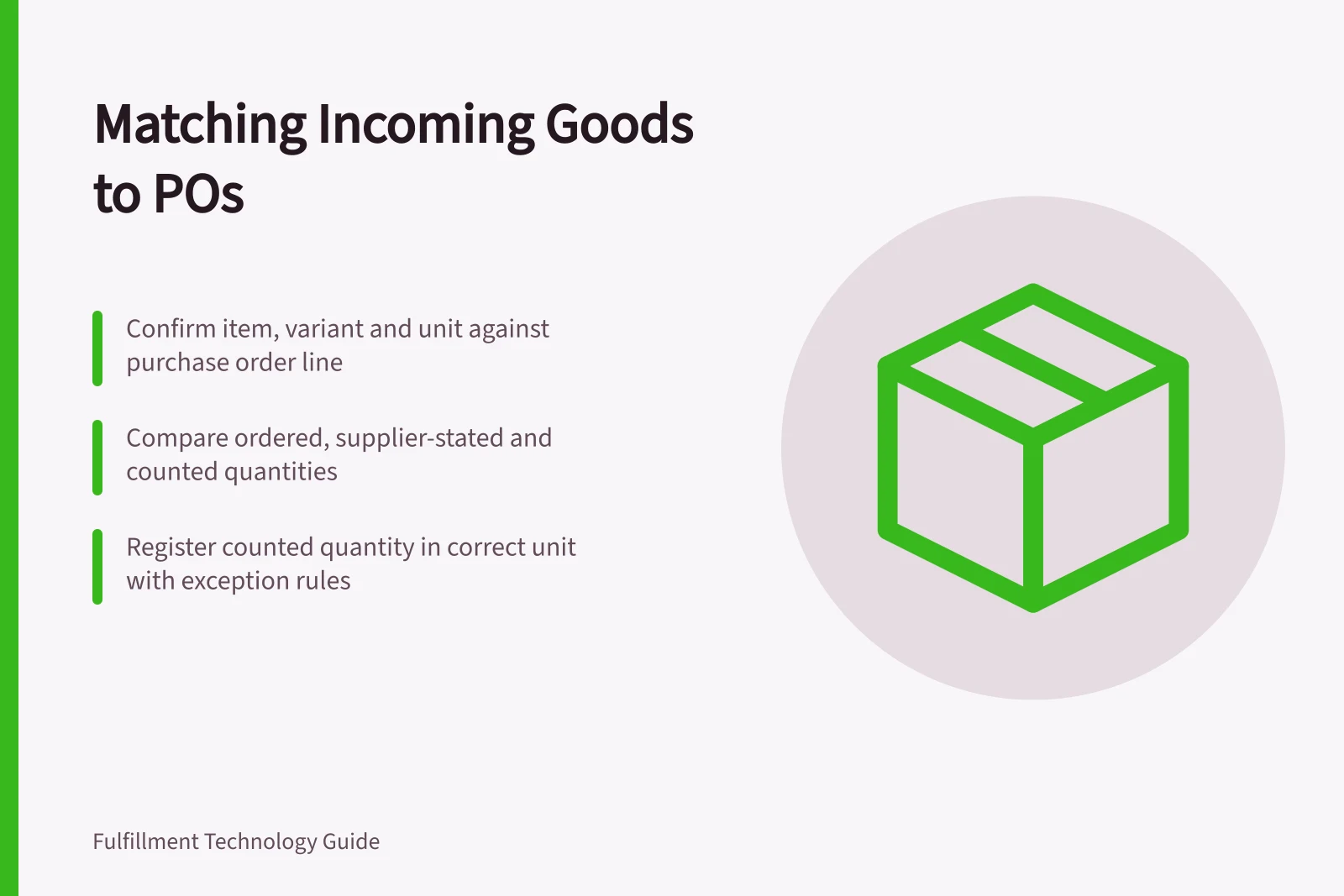
Match each incoming item to its purchase order line: confirm item and variant, compare ordered and supplier-stated quantities against the physical count, then register the counted quantity in the correct unit. Hold any line that cannot be identified confidently. The supplier's packing slip helps locate an expectation; it does not replace a count.
Start with the right order and line
Record the supplier, purchase order number, delivery or load reference and any packing slip identifier. A delivery may cover part of one order, several orders or a later instalment.
Identify which order line each carton belongs to before entering stock. Check the variant and unit on the goods, especially where an item is purchased by carton but stored by piece.
In Dynamics 365 Supply Chain Management, warehouse mobile menu items can be configured for receiving items for a purchase order, with receipt creating putaway work for another worker. The exact fields and steps depend on the configured receiving process.
Where the same item occurs on several plausible lines, make the intended line explicit rather than relying on a description or the first search result.
Compare three quantities
| Quantity | What it means | What to do with it |
|---|---|---|
| Ordered | The purchase order quantity | Preserve it as the purchasing reference. |
| Supplier-stated | What the supplier says this delivery contains | Use it to identify a possible discrepancy. |
| Counted | What staff physically found in this delivery | Register it against the identified line, subject to the site's exception rule. |
Count unopened cartons using an approved method; investigate a carton whose label, seal or contents make its quantity uncertain. Record the unit entered and its conversion to the stock unit. Four cartons must not silently become four individual pieces.
For a partial delivery, retain the unfulfilled order quantity and delivery reference. For excess or unexpected goods, separate the physical goods and refer the decision to the authorised purchasing owner.
Do not increase the purchase order merely to make a receipt screen accept an entry. An over-receipt tolerance, where available, is a configured control rather than automatic permission to keep the goods.
Three Key Quantities in Incoming Goods Matching
- Ordered
- The purchase order quantity
- Supplier-stated
- What the supplier says this delivery contains
- Counted
- What staff physically found in this delivery
Check the record after registration
Inspect the purchase order line, registered quantity, receiving location, stock condition and any putaway work.
In Dynamics 365, registration marks goods as Registered; product receipt posting is a separate step. The Posting product receipt page provides options for the quantity accounted as received. Agree who posts the receipt and what evidence they need from the count.
Another person should be able to tell which goods arrived, on which delivery, how many were counted, what was disputed and what remains due. If those figures still disagree after the initial match, investigate the mismatch separately.