Warehouse Reporting
Part of Warehouse inventory accuracy
Reconciling physical counts with system quantities
Compare a warehouse count with the right system balance, account for intervening movements and approve a supported correction.
Reconcile a physical count against the system quantity for the same stock identity and point in time. A difference in location, unit, status or timing can create a misleading variance. Keep the observed count separate from any adjustment until the difference has been checked and the correction approved.
Make the quantities comparable
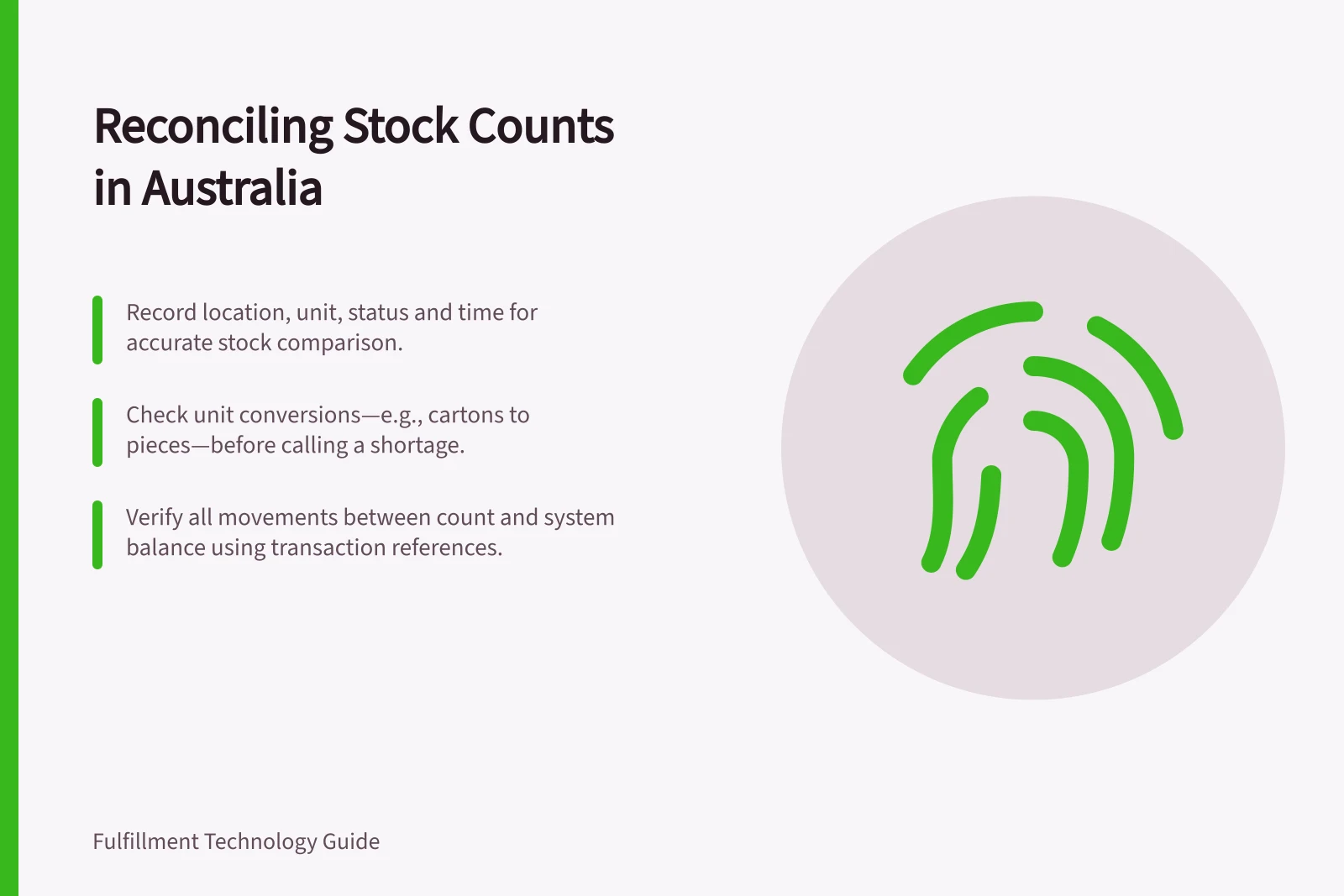
Record the item and variant, location, stock status, batch or licence plate where relevant, unit of measure, quantity and observation time. Identify which system figure you are using. On-hand and available quantities answer different questions: a reservation can reduce availability without removing units from a bin.
Check unit conversions before treating a difference as a shortage. A carton entered as individual pieces requires the correct conversion for that item. Confirm the configured conversion and recorded unit before comparing quantities.
On-Hand vs Available Quantity in Warehouse Systems
- On-Hand Quantity
- Physical stock present in the warehouse
- Available Quantity
- On-hand minus reserved or committed stock (e.g., for orders)
Account for work between count and review
Find receipts, picks, replenishments, returns and relocations recorded between the physical observation and the system balance used for comparison. Determine when each movement happened physically as well as when it was posted.
A late posting may represent stock that had already moved when the count was taken. Preserve the transaction reference and explanation rather than altering the observed count to force agreement.
Microsoft's cycle-counting guidance documents an 'Allow pallet moves during cycle counting' option. Check whether it was enabled when interpreting movements during the count. A later on-hand screen is not automatically the balance that existed at the moment of observation.
Investigate the remaining difference
Recheck the counted location, nearby bins and any staging or hold area where the item may have been placed. Confirm the identifier on the goods, not only the shelf label.
Request a recount when the original reading is uncertain or the proposed adjustment exceeds the warehouse's own review threshold. Preserve both readings and the reason for repeating the count.
Decide whether the evidence points to missing stock, misplaced stock, an incomplete movement, an incorrect unit or an entry error. Apply the correction that matches the cause. Finding a pallet in another location calls for a movement correction; it does not by itself justify writing stock off.
Approve and verify the correction
Define who may approve a variance and what evidence they review. In Dynamics 365, items with differences in counted value have a Pending review work status after a cycle count.
Under Oracle Warehouse Management's documented delayed-approval configuration, approval adjusts inventory, rejection creates recount work without an adjustment, and cancellation ends that count without an adjustment. Check the settings used at the site.
After an approved correction, verify the affected item and location balances. Retain the original count, intervening transactions, review decision and adjustment reference. A balanced screen confirms the posting outcome, not the root cause. Repeated differences need a separate pattern investigation.