Order Management
Part of Warehouse inventory accuracy
Tracking stock movements between warehouse zones
Record source, destination and hand-off state for warehouse zone moves, including partial moves and reserved-stock exceptions.
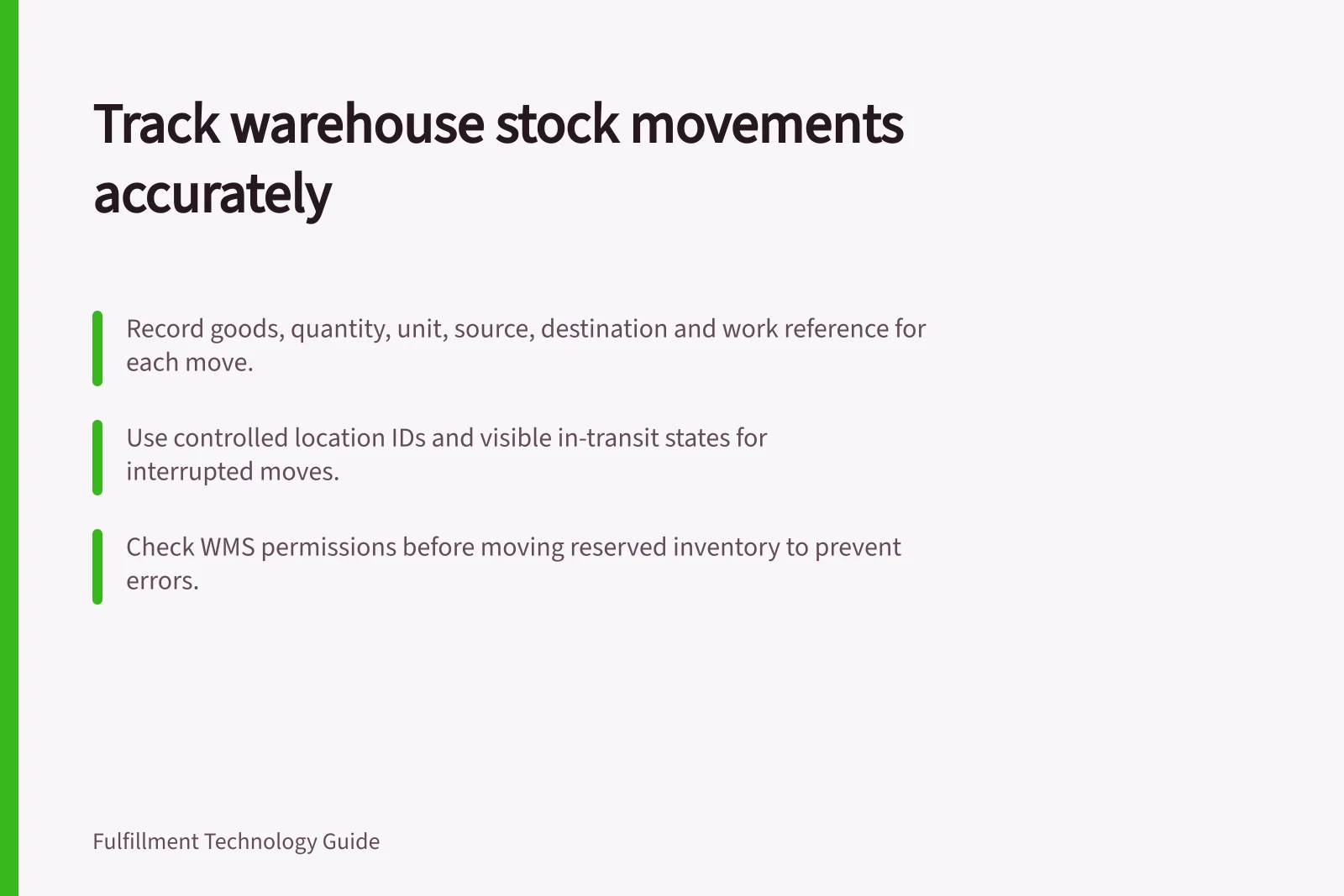
Track a zone movement from a known source location to a confirmed destination. The movement record should identify the goods, quantity, unit, source, destination and work reference where the system supports them. A note saying “to staging” is insufficient when several staging locations exist or a later count must find the goods.
Define the hand-off
Map common routes such as reserve to pick face, receiving to storage and storage to inspection. For each route, decide when stock leaves the source in the system and when it becomes available at the destination. If physical and system completion can occur at different times, make open work or an in-transit state visible to the people who need to find the stock.
Provide a way to record an interrupted move. Goods left in a temporary bay need a specific location and an owner who can complete or reverse the task. Use controlled location IDs where the warehouse has them.
Using Controlled Location IDs for Interrupted Moves
- ProsEnsures visibility of incomplete moves; assigns ownership to temporary bays; reduces misplacement risk.
- ConsRequires strict adherence to location directive rules; may increase training needs for staff.
Record the goods and both locations
Ask workers to identify the actual source, goods and destination within the configured workflow. Confirm quantity and unit before completion. For a partial move, distinguish the quantity moved from what remains; do not treat a full-pallet scan as evidence that a smaller quantity moved.
In Dynamics 365 Supply Chain Management, mobile device menu items can be configured for various warehouse tasks, and location directives can be linked to work templates to help determine how and where work is carried out. For reserved inventory, only ad hoc movement is supported; movement by template mobile device menu items cannot be used to move reserved inventory.
An inventory transfer journal records From and To location dimensions and posted inventory transactions. The journal is a distinct workflow; do not assume its record is the same as mobile movement work.
Handle reservations and failed moves
Before moving stock tied to open work, check the WMS permission and workflow. In the Warehouse management solution, a worker permission governs reserved-inventory moves.
That flow supports specified work types, prevents certain work-line splits and allows ad hoc movement rather than Movement by template. Check the actual configuration before directing staff to move reserved stock.
When goods reach the wrong location, retain the attempted movement and record the correction. If a count finds stock at the destination while the source still shows it on hand, look for open or failed movement work before posting a gain and a loss. Two adjustments can make totals agree without explaining the failed hand-off.
Review the trail
Sample movements on busy routes. Compare recorded and physical locations, and investigate work that remains open beyond its expected hand-off.
Group exceptions by zone pair or movement rule where those fields are available. Use the evidence to correct a confirmation step, location label or rule, then recheck the route. The aim is to keep each unit findable throughout the move, including when work stops partway.
Key Metrics for Reviewing Zone Movement Trails
- Open Work Rate
- Percentage of movements with uncompleted tasks beyond expected hand-off time.
- Exception Rate by Zone Pair
- Frequency of discrepancies between recorded and physical locations for common routes.
- Failed Move Corrections
- Number of times stock was moved incorrectly and later corrected.