Order Management
Part of Picking technology
Batch picking versus single-order picking
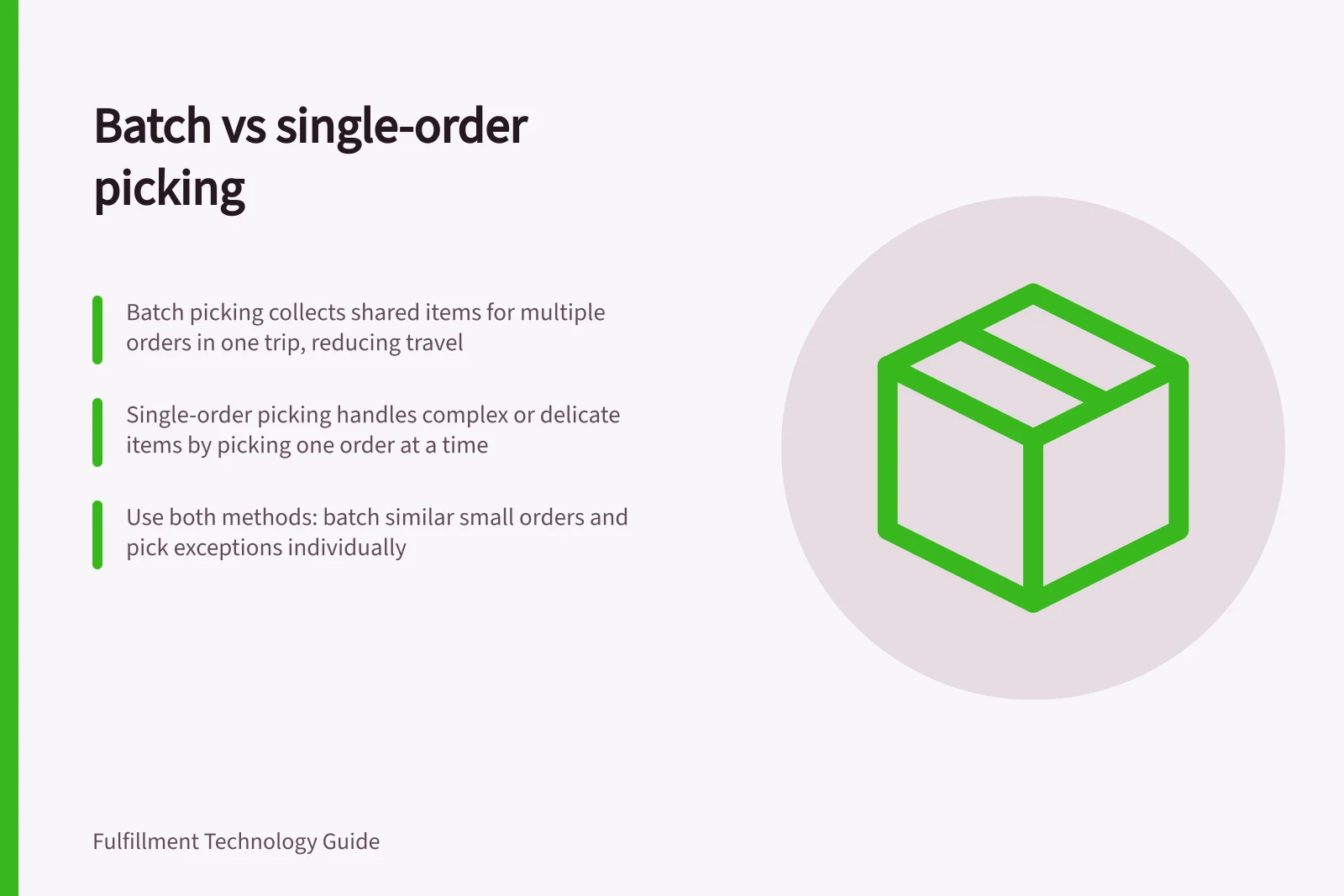
Batch picking groups multiple orders into one route; single-order picking keeps each order separate from the start.
Batch picking fits many small orders with overlapping SKUs: a picker collects items for several orders in one trip, then sorts them by order. Single-order picking fits low volumes, orders with many lines, or products needing individual handling; each order is picked separately. The trade-off is fewer repeated trips versus the extra sorting batch picking requires.
Compare the full path
With batch picking, shared items are collected for multiple orders in one trip. Shopify’s example has five customers order the same signature Oversized Gray Hoodie, so the picker visits its bin once rather than five times.
Batch picking suits small orders with similar items and few SKUs per order, including e-commerce, food, non-food and apparel orders. It is also useful for high volumes of small orders with repeated demand.
Single-order picking suits low order volumes or smaller operations, few orders with many lines, and odd-sized or oversized items requiring special handling. Its one-order-at-a-time flow is simple to train, needs minimal technology and avoids a separate sort; it also suits customised or delicate orders.
Batch picking reduces repeated travel, but the collected items must then be sorted or consolidated into individual orders. Single-order picking completes each order as it is picked, while batch picking’s travel advantage disappears if sorting is too slow.
Shopify describes a WMS grouping orders by SKU overlap or zone proximity, sequencing an optimised pick path, and using carts with multiple totes; waves can be released around carrier cut-offs or promised dates. Microsoft Learn’s System-directed cluster picking is a related multi-order setup: a cluster profile sets the number of order positions, corresponding to the tote count.
Compare cart setup, tote scanning, sorting, packing and exception handling as part of the full path. Check container capacity and how the process handles items that will not fit, unavailable SKUs and split orders.
Batch Picking vs Single-Order Picking: Key Differences
- Best for
- Many small orders with overlapping SKUs (e.g., e-commerce, apparel, food)
- Best for
- Low-volume orders, high line counts, oversized or customised items
- Travel efficiency
- High – fewer trips due to shared picking routes
- Post-pick processing
- Requires sorting or consolidation after picking
- Training & technology
- Simple to train; minimal tech needed
- Sorting requirement
- Yes – adds time and complexity
- Ideal use case
- High volumes of small, repeat orders (e.g., signature hoodies, snacks)
How Batch Picking Works in Practice
- Step 1Orders are grouped by SKU overlap or zone proximity using a WMS
- Step 2An optimised pick path is sequenced for the picker
- Step 3Picker collects all required items in one trip using multi-tote carts
- Step 4Items are sorted into individual order totes post-pick
- Step 5Orders are packed and prepared for dispatch, with exception handling for unavailable or split SKUs
Judge the result
Choose batch picking for many small, similar orders with repeated SKUs when sorting can keep pace. Choose single-order picking for low-volume, line-heavy orders or products that are oversized, customised, delicate or need special handling.
If both profiles occur, use both methods: batch the overlapping small orders and pick the exceptions one order at a time.
Pros and Cons of Batch Picking
- Pros
- Reduces travel time across the warehouse
- Pros
- Efficient for repeated SKUs and small order sizes
- Cons
- Requires additional sorting effort post-pick
- Cons
- Sorting bottlenecks can negate travel savings
Pros and Cons of Single-Order Picking
- Pros
- One order at a time – simple to manage and train
- Pros
- No need for separate sorting step
- Pros
- Suitable for delicate, customised or oversized items
- Cons
- More travel time if orders are spread across the warehouse
Performance Metrics Comparison
- Average travel time per order
- Lower in batch picking
- Sorting time per order
- Higher in batch picking
- Training time for staff
- Shorter for single-order picking
- Best for order volume
- Batch: >50 small orders/day; Single: <20 orders/day