Packing and Dispatch
Part of Picking technology
Reducing wrong-item picks with verification steps
Reducing wrong-item picks with verification steps: practical criteria and a clear evaluation process for marketing teams.
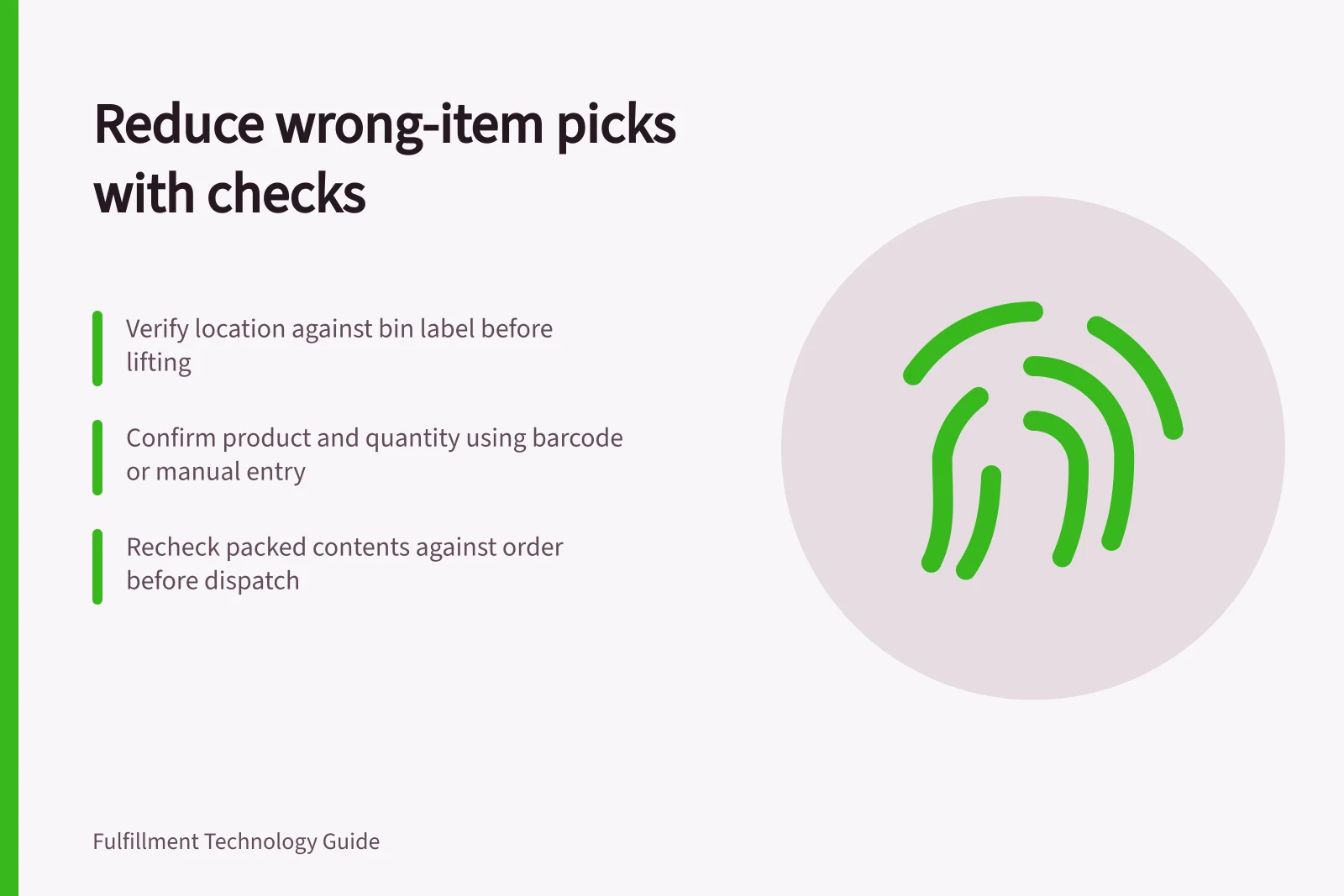
A wrong-item pick can start with a similar package in the next slot, a barcode on the shelf instead of the product, or a confirmation tapped before the item is checked. Use the checks in order: verify the location before lifting the item, confirm product and quantity during the pick, then recheck the packed contents before dispatch.
Choose the identity to verify
- Before lifting an item, compare the location on the pick task with the bin label. Check the product label against the requested product or variant; a shelf barcode does not confirm the identity of the item in your hand. If the location or product does not match, stop or redirect the task and resolve the discrepancy before moving on.
- During the pick, scan the barcode on the item to confirm the product. If barcodes are not configured, Microsoft’s Piece picking confirmation feature allows the worker to enter the item number manually; the worker must also enter the quantity. Use a distinct product identifier and a legible bin label so similar variants are less likely to be confused.
- Confirm the requested quantity before moving on. With Piece picking confirmation enabled, a barcode that includes quantity adds that amount to the confirmed total; a barcode without quantity information prompts the worker to enter it manually. The confirmed quantity can be up to the quantity on the work, and the maximum number of pieces workers must confirm is configurable, so do not assume every unit requires a separate scan.
Microsoft Learn names the feature Piece picking confirmation in the Warehouse Management mobile app. Its Set up mobile devices for warehouse work page says a menu item for processing existing warehouse work uses Mode set to Work and Use existing work set to Yes; scanning must also be enabled for each relevant product.
Key Verification Checks for Warehouse Workers
- Check bin label against pick task locationStop if mismatch; resolve discrepancy before proceeding
- Scan item barcode to confirm productUse distinct identifiers; ensure labels are legible to avoid confusion
- Confirm requested quantityUse barcode with quantity or enter manually; maximum confirmed pieces configurable
Pros and Cons of Manual vs Automated Item Confirmation
- Cons of scanning (automated)Requires functional barcode system; may fail if labels are damaged or poorly printed
- Pros of manual entryWorks when barcodes are unavailable; useful for non-standard or custom items
- Cons of manual entryHigher risk of input errors; slower than scanning; relies on worker accuracy
Verify at the right second point
Before sealing or dispatch, compare each packed item’s product or variant and quantity with the order requirement. If either differs, hold the order for correction; the packing check can catch a mis-pick, but it does not replace checking at the pick face.
Record whether the error was found during picking, packing or after delivery. For repeat errors, check the SKU, location, shift and cause, then correct the source—for example, slotting, labelling or confirmation design.
Key Metrics for Error Tracking in Warehouse Operations
- Error detection pointPicking, packing, or after delivery
- Common causes of mis-picksIncorrect SKU, poor slotting, unclear labelling, confirmation design flaws
- Corrective actionsReview SKU, location, shift, and root cause; fix source issues like labelling or slotting