WMS Selection
Part of Warehouse management system selection
Checking WMS support for batch and serial tracking
Check when a proposed WMS captures batch and serial IDs, how it enforces an order requirement and whether records trace from receipt to shipment.
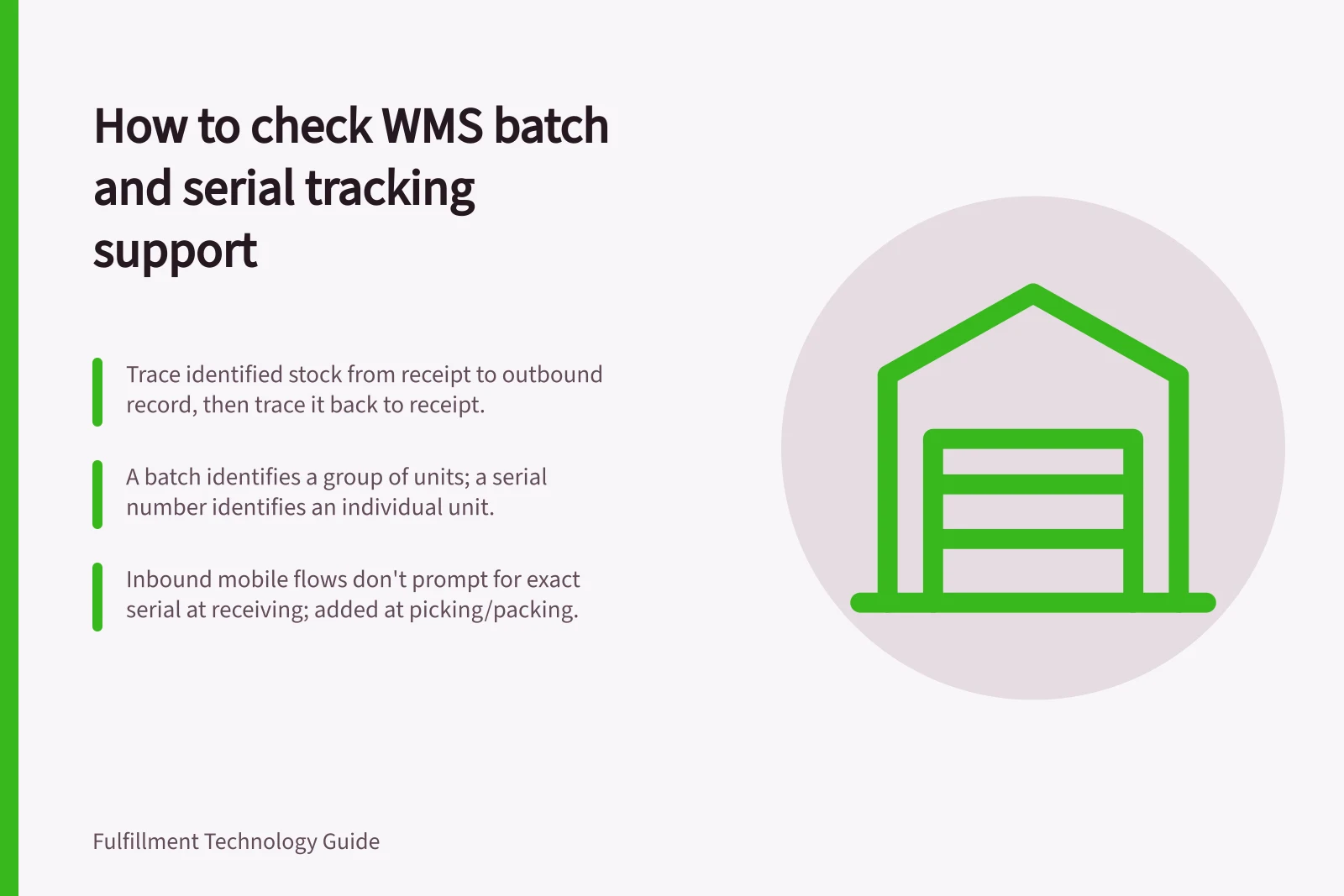
Check batch and serial support by tracing identified stock from receipt to the outbound record, then tracing it back. Ask when the identifier is captured, whether an order can require a specific batch or serial number, and what the worker must confirm. A field labelled “batch” or “serial” does not prove the proposed workflow meets those requirements.
Define the tracking requirement
A batch identifies a group of units; a serial number identifies an individual unit. Decide which products need each type of identity and which links the warehouse must retain: supplier reference, batch, expiry date where relevant, serial number, quantity, location, stock status and shipment or order reference.
The capture point matters. Microsoft's serial-capture documentation describes settings for capture during picking or packing.
Ask whether the proposed setup captures the serial at receipt or later, and whether the worker is prompted to enter it. With either setting, Microsoft's documentation says inbound mobile flows do not prompt for the exact serial during receiving; the value is added to inventory transactions during picking or packing.
Use three demonstration cases
- Receive and move.Present two batches of one item, or two serialised units. Ask the worker to register and put them away, then inspect identity, quantity and location. Include an unreadable or duplicate identifier and ask who can correct it.
- Release and pick.Create one order where any eligible batch is acceptable and another that requires a particular batch. If a particular serial is also needed, test that requirement separately. Ask which record carries each requirement and whether the picker can substitute another unit. Microsoft's reservation documentation shows that specific-batch reservation depends on the reservation hierarchy and settings; batch tracking alone is not proof of order-specific reservation.
- Pack and trace.Pack part of a batch or one serialised unit. Check the identity against the final outbound record. Trace backwards to receipt and forwards to the destination represented in the system, retaining the transactions shown and any gap.
Three demonstration cases for checking batch and serial support
- Receive and movePresent two batches of one item, or two serialised units. Ask the worker to register and put them away, then inspect identity, quantity and location. Include an unreadable or duplicate identifier and ask who can correct it.
- Release and pickCreate one order where any eligible batch is acceptable and another that requires a particular batch. Test a particular serial requirement separately. Ask which record carries each requirement and whether the picker can substitute another unit.
- Pack and tracePack part of a batch or one serialised unit. Check the identity against the final outbound record. Trace backwards to receipt and forwards to the destination represented in the system, retaining the transactions shown and any gap.
Inspect the control at each step
Ask whether workers scan an identifier, enter it manually or select an existing value. Check the response to a wrong batch, a duplicate serial and a unit in the wrong location. Microsoft's confirmation documentation limits batch and serial confirmation to specified initial picks where the dimension is above location in the reservation hierarchy.
Microsoft's documentation also says workers are not prompted to confirm batch or serial when they pick the entire quantity from a location or licence plate. Do not treat a confirmation setting as proof that every tracked pick requires an identifier check.
For stock with expiry requirements, show the rule, its inputs and the result for two batches with different dates. Ask whether the proposed setup can prioritise batches by expiry, and whether that behaviour is configured and suitable for your warehouse.
Controls to inspect at each step
- Identifier capture methodAsk whether workers scan an identifier, enter it manually or select an existing value.
- Wrong batchCheck the response when a worker enters or scans a wrong batch.
- Duplicate serialCheck the response when a duplicate serial is entered.
- Wrong locationCheck the response when a unit is in the wrong location.
- Confirmation scopeAsk whether batch or serial confirmation applies to every tracked pick or only some initial picks.
- Whole-location picksAsk whether workers are prompted to confirm batch or serial when picking the entire quantity from a location or licence plate.
- Expiry prioritisationFor stock with expiry requirements, show the rule, its inputs and the result for two batches with different dates. Ask whether the proposed setup can prioritise batches by expiry and whether that behaviour is suitable for your warehouse.
Microsoft documentation caveats to verify
- Inbound mobile receivingInbound mobile flows do not prompt for the exact serial during receiving; the value is added to inventory transactions during picking or packing.
- Specific-batch reservationSpecific-batch reservation depends on the reservation hierarchy and settings; batch tracking alone is not proof of order-specific reservation.
- Confirmation limitBatch and serial confirmation is limited to specified initial picks where the dimension is above location in the reservation hierarchy.
- Whole-quantity picksWorkers are not prompted to confirm batch or serial when they pick the entire quantity from a location or licence plate.
- Item tracingTracing by tracking dimensions is limited to one legal entity at a time.
Decide from the trace
A useful demonstration shows the required identity on the physical goods, relevant stock and work records, and final outbound record. It also shows who may change an identifier and where the correction appears.
Microsoft's item-tracing documentation describes tracing by tracking dimensions but limits a trace to one legal entity at a time. If an investigation must span entities or systems, ask how the proposed setup joins those records.
Record each requirement as demonstrated, dependent on configuration or unverified. Keep batch and serial decisions separate: group-level and individual-unit controls may need different setups.