Warehouse Reporting
Part of Third-party fulfilment technology
Exporting fulfilment records when leaving a 3PL
Plan the order, stock, shipment and return exports needed to reconcile an exit from a 3PL.
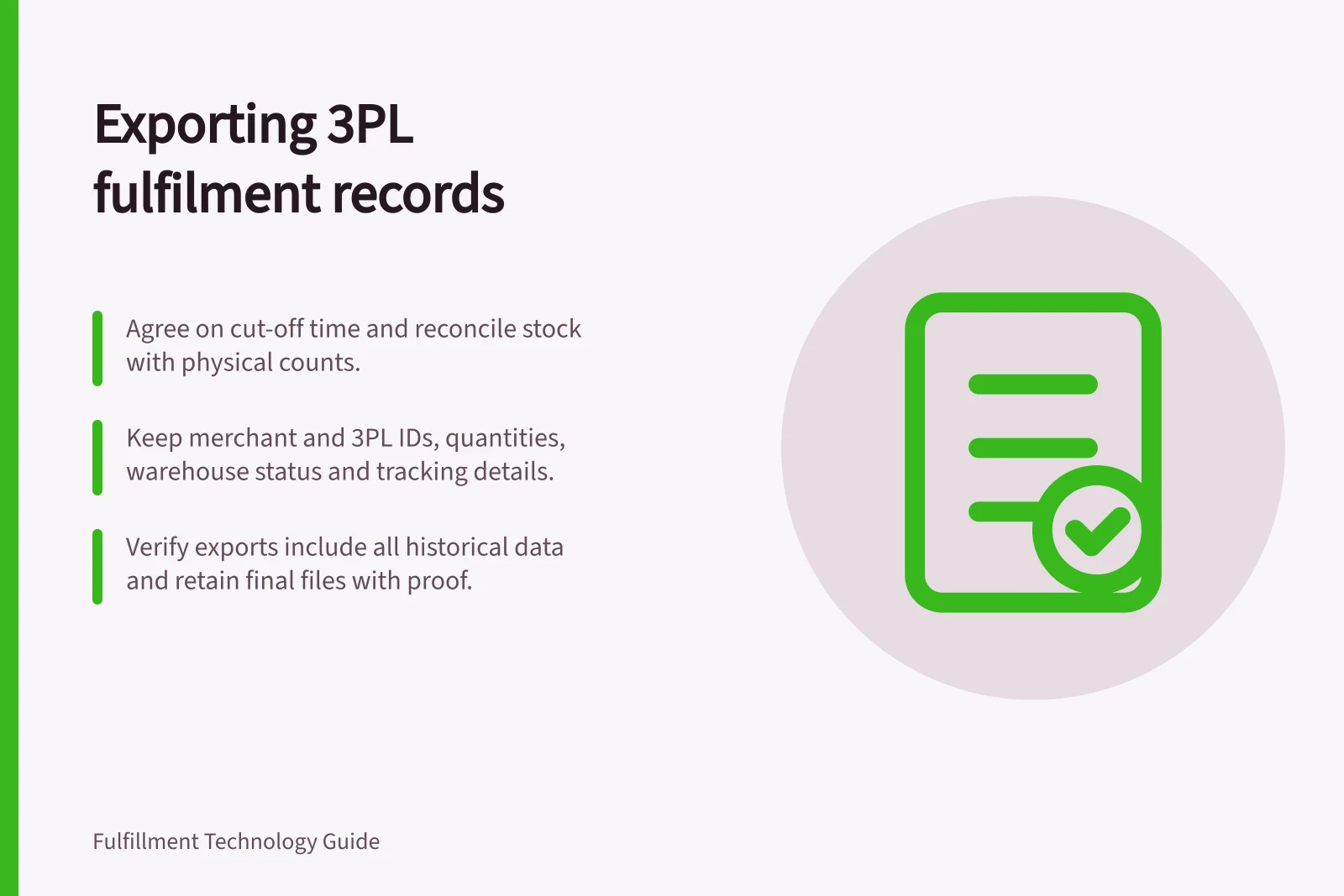
Before access ends, obtain the records needed to account for stock and every open customer order. Agree fields, period, format and delivery time; then reconcile the files with physical stock and the next fulfilment system. A single inventory total or orders report may leave unfinished work unexplained.
Specify the records
Keep the merchant's source order and line IDs alongside the provider's order, shipment and parcel IDs. Request item and variant mappings, quantities and units, warehouse and stock status, receipts, adjustments, returns, tracking and relevant event times. Obtain field definitions; a status or quantity column is easy to misread without them.
Record group / What to account for
- Products
- SKU and variant mapping, bundles and units
- Stock
- Item, warehouse, condition and tracked identity where used
- Inbound work
- Goods expected, received, held and awaiting a decision
- Customer orders
- Original and accepted quantities, holds and open work
- Shipments
- Parcel contents, tracking and handover position
- Returns and adjustments
- Physical outcome, disposition and transaction reference
Agree the completed-order history needed for enquiries and reconciliation under the merchant's contract and retention arrangements. Do not assume a portal download contains every historical field or the provider's internal event log.
Check what published tools describe
Express documents a selected-column Excel export from order search, an Excel export of the current stock view and an exportable returns list. Its default order search covers 30 days, with archival search for older orders.
The returns guide limits visible detail to the available columns and caps search results, so a merchant should establish how to retrieve every required period. These tools do not, by themselves, establish a complete migration extract or movement history.
ShipBob's developer guides describe order creation with a response that includes shipment IDs and line items, and bulk inventory retrieval by inventory ID. Those are possible technical extraction routes when the merchant has the necessary API access and integration work. They do not establish complete historical coverage, post-termination access or an exit service commitment. Obtain the supported export route and permissions in writing.
Export capabilities from Express and ShipBob (as described in documentation)
- Express – Order exportSelected-column Excel export from order search (30-day default)
- Express – Stock exportExcel export of current stock view
- Express – Returns exportExportable returns list
- ShipBob – API accessOrder creation response with shipment IDs and line items; bulk inventory retrieval by ID
Set a cut-off and reconcile movements
Agree a cut-off time with the old 3PL and the next fulfilment owner. Classify orders as unreleased, being picked, packed, labelled or handed over, and assign who finishes each group.
Take the agreed snapshot and record later movements separately. Otherwise, a stock file taken before the last pick may disagree with goods collected afterwards.
Reconcile item, unit, warehouse, status and tracked identity where applicable against the provider's final count or agreed physical evidence. Give each difference an owner. Keep held and returned goods out of the next system's saleable balance until their disposition is confirmed.
For orders, compare the merchant's outstanding quantities with the 3PL's accepted work and completed shipments. Keep labelled parcels distinct from parcels confirmed handed over. Retain each parcel reference and any quantity still owed on a split order.
Verify before closing access
Open sample records, check field definitions and encoding, and confirm IDs survive import without alteration. Count records by type and period.
Reconcile samples of completed, open, cancelled and returned orders against source records. Where a search or export has a result limit, use bounded periods and check for gaps or duplicates.
Retain the final files, extraction parameters, time zone, provider confirmation and unresolved-difference log together. Close access only after stock and orders in flight have an assigned outcome and the merchant can answer later customer or carrier enquiries from retained records.