Order Management
Part of Order management systems
Keeping order status consistent across sales channels
Define status ownership, map supported channel states and reconcile late, duplicate or missing order updates.
Define which system owns each event, then map that event to the states each connected channel supports. Behind the customer-facing summary, keep the detailed line and fulfilment record. A channel badge should not decide on its own whether warehouse or delivery work is complete.
Define each state
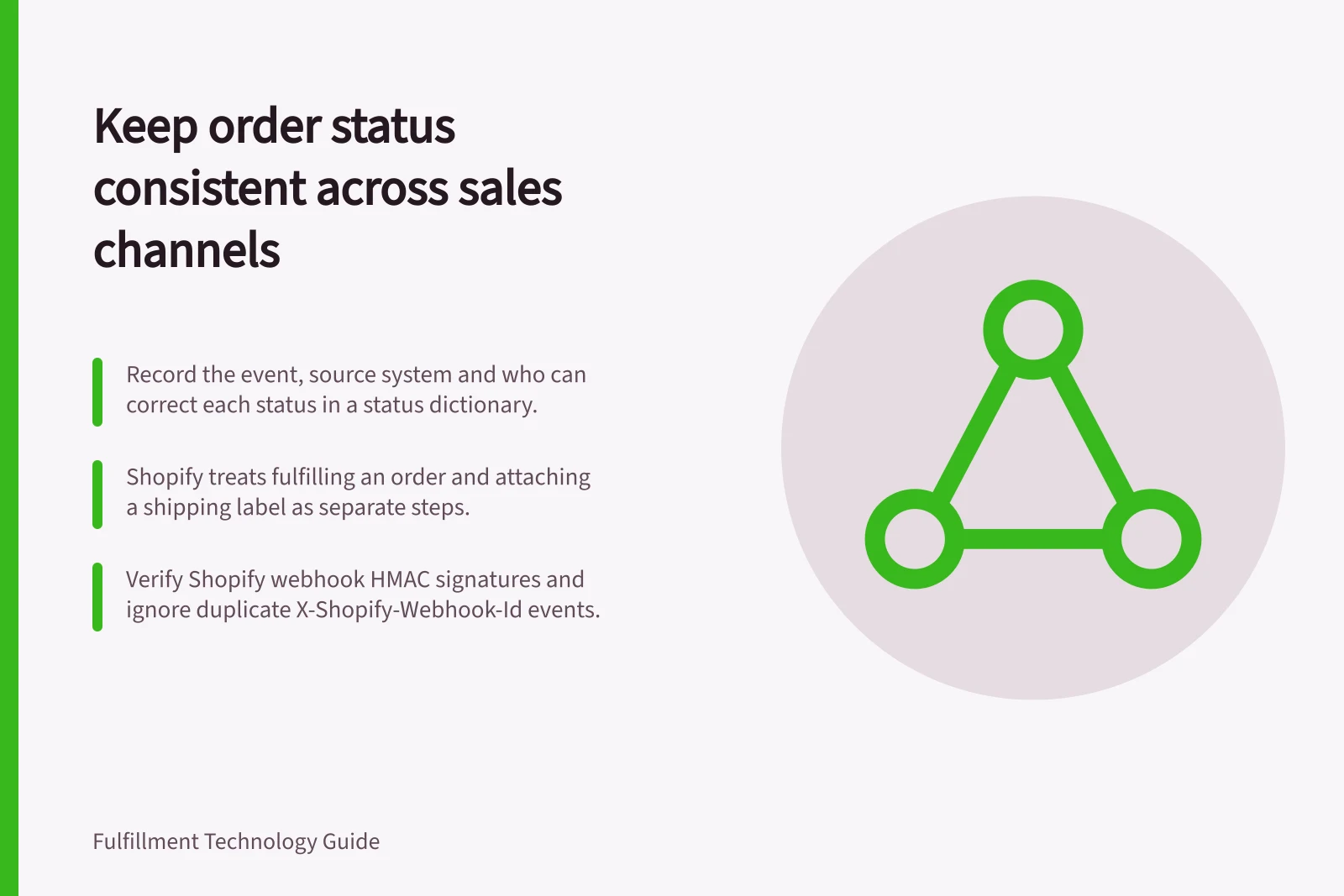
Build a short status dictionary covering payment review, release, warehouse progress, fulfilment, carrier handover, delivery and cancellation. For each state, record the event that changes it, its source system and who can correct it. Different channels may use the same word for different events, or lack an equivalent state.
Shopify distinguishes order, payment, fulfilment and return statuses. Its instructions treat fulfilling an order and attaching a shipping label as separate steps: after you fulfil an order, package the items and attach a label.
Map updates to the right part
Keep the source channel order ID, OMS order ID and the affected line, quantity and fulfilment part together. Add the source event, its time and any shipment reference. For a split order, do not close the remaining part because the first one changed state. Where a channel cannot display part-level detail, keep the complete record in the OMS and choose an accurate supported summary.
| Event | Possible channel update | Check first |
|---|---|---|
| Order placed | Open or awaiting review | What do payment and hold states mean in this channel? |
| Warehouse accepts work | In progress, if supported | Which lines and quantities were accepted? |
| One part is fulfilled | Partially fulfilled, if supported | What remains open, and what event does this channel call fulfilled? |
| Carrier accepts a parcel | In transit, if supported | Does the event match the correct parcel and tracking ID? |
| Cancellation requested | Pending cancellation, if supported | Has warehouse work stopped or already completed? |
These are proposed mappings. Preserve the source event and use wording the channel can represent accurately.
Proposed mapping of source events to channel updates
- Order placedOpen or awaiting review
- Warehouse accepts workIn progress, if supported
- One part is fulfilledPartially fulfilled, if supported
- Carrier accepts a parcelIn transit, if supported
- Cancellation requestedPending cancellation, if supported
Keep the update record together
- Source channel order ID
- OMS order ID
- Affected line and quantity
- Fulfilment part
- Source event and time
- Shipment reference
Resolve late, duplicate and missing events
Messages may arrive twice, late or out of sequence. Shopify’s webhook documentation describes verifying HMAC signatures and ignoring duplicate deliveries using the X-Shopify-Webhook-Id header. For a Shopify webhook integration, retain the webhook ID and processing result. Check a late event against the current line and fulfilment record before changing the customer view.
Compare source-channel orders with OMS records, and OMS completions with channel acknowledgements. Put unmatched IDs, rejected updates and long-pending states into a visible review queue.
Before retrying, check whether the intended update already took effect. Use the existing order and fulfilment identifiers so a retry does not create duplicate work. Assign an owner to each unresolved case.
Reconcile late, duplicate and missing events
- Verify HMAC signatures
- Ignore duplicate deliveries using the X-Shopify-Webhook-Id header
- Retain the webhook ID and processing result
- Check a late event against the current line and fulfilment record before changing the customer view
- Compare source-channel orders with OMS records, and OMS completions with channel acknowledgements
- Put unmatched IDs, rejected updates and long-pending states into a visible review queue
- Before retrying, check whether the intended update already took effect
- Use existing order and fulfilment identifiers so a retry does not create duplicate work
- Assign an owner to each unresolved case
Check realistic event sequences
Prepare an ordinary order, a split order whose parts finish at different times and a cancellation requested after warehouse release. Write the expected channel view and outstanding quantities for each step.
Repeat an event and deliver an older one late; inspect the channel view and OMS history after both. This is a proposed configuration check, not a reported test. Keep the original event when correcting a summary status.
Test realistic order event sequences
- Prepare an ordinary order and write the expected channel view and outstanding quantities for each step
- Prepare a split order whose parts finish at different times, with expected views at each step
- Prepare a cancellation requested after warehouse release, with expected views at each step
- Repeat an event and deliver an older one late
- Inspect the channel view and OMS history after both
- Keep the original event when correcting a summary status