Order Management
Part of Order management systems
Routing orders across warehouses
Set warehouse eligibility and routing preferences, decide when to split, and check what happens when available stock changes.
Route an order by first ruling out warehouses that cannot supply the required lines or meet the delivery requirement. Then apply a stated preference among the eligible sources. If no route meets the commitment, hold the affected lines for a decision instead of assigning work to a convenient but unsuitable site.
Establish eligible sources
For each line, record the product identifier, required quantity and usable stock by warehouse. Include destination, delivery method, dispatch cut-off and any source restriction. Stock on hand may be held or already committed; define the quantity used for routing and when it was last updated.
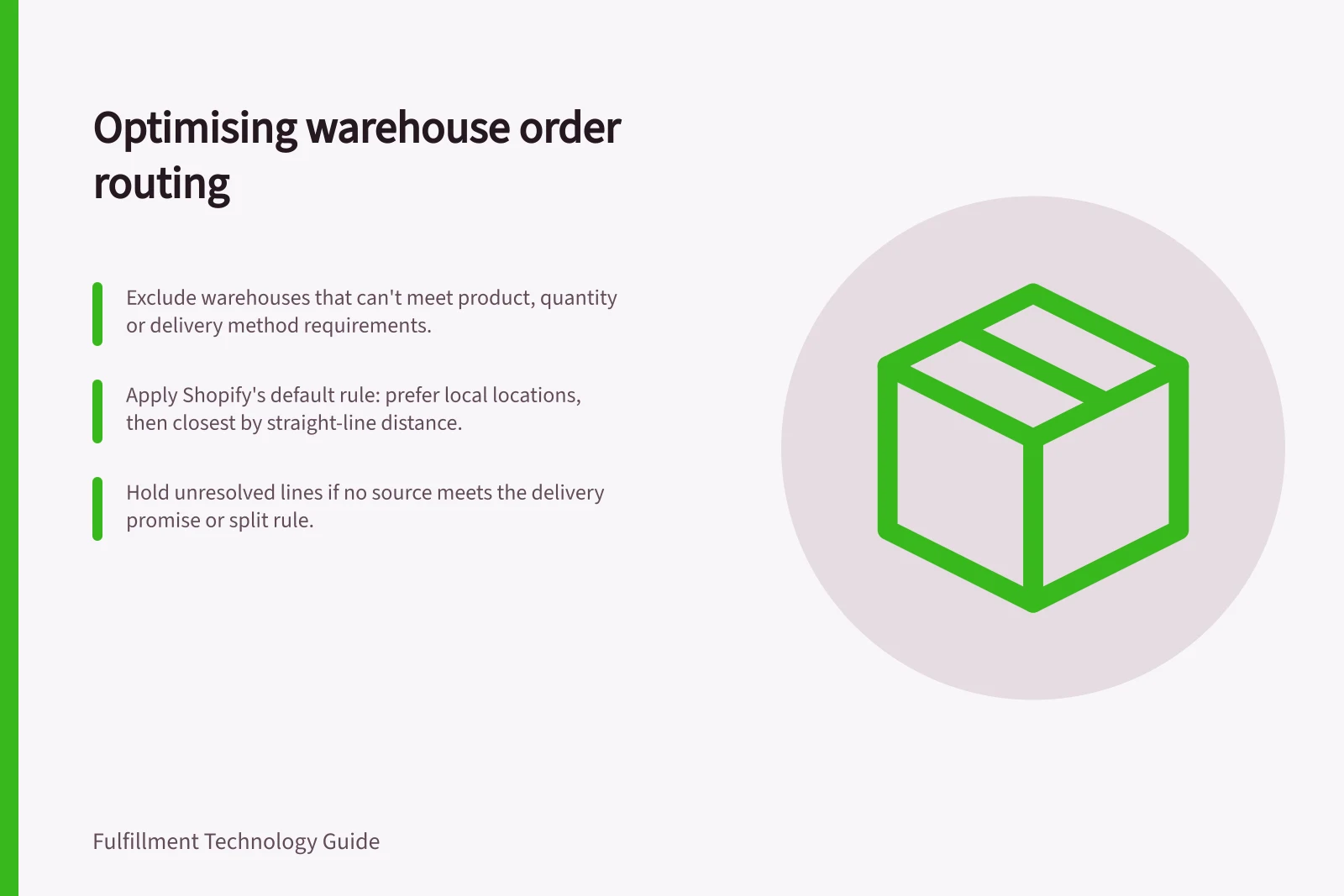
- Exclude sources that cannot fulfil the product, quantity or delivery method.
- Check whether one source can complete the basket.
- Compare eligible routes with the delivery promise and the operation's split rule.
- Record the selected source and quantity for each line, or hold the unresolved quantity with a reason.
This is a proposed decision sequence. Inspect the rule order and available inputs in the configured platform.
Decide when a split is acceptable
A single source can mean fewer parcels and simpler communication. A split may release available lines sooner when no source can complete the basket. Compare the customer promise, warehouse work, parcel costs and any delay; neither outcome is always preferable.
Shopify's documented default rule order minimises split fulfilments, prefers locations in the destination market, then chooses the closest location. Its closest-location rule uses straight-line distance, which may differ from a road route. Shopify routing requires at least two active locations.
These are defaults for Shopify fulfilment locations, not proof of how a particular store or external warehouse connection is configured.
Microsoft's Intelligent Fulfillment Optimization reads configuration data such as fulfilment sources, source lists, business constraints and strategies, and optimises order fulfilment. Its source setting can look up real inventory through Inventory Visibility; with Use real inventory switched off, the source is treated as having unlimited inventory. A route demonstration should therefore show the stock setting and selected quantities, not just a location on a map.
Shopify vs Microsoft Intelligent Fulfillment Optimization: Routing Approaches
- Shopify Default RulesMinimise splits; prefer destination market locations; choose closest location (straight-line distance)
- Microsoft IFOUses real inventory via Inventory Visibility; supports business constraints and strategies; route depends on configuration and stock availability
Routing Configuration Requirements
- Minimum active locations (Shopify)
- 2
- Inventory visibility setting (Microsoft IFO)
- Real inventory required for accurate routing
- Delivery method constraint
- Must be supported by eligible warehouse
Check a changed route
Prepare a two-line basket for which one warehouse can supply both lines but may miss the dispatch cut-off, while another can supply only one. Write down the expected allocation, then reduce available stock and repeat. Inspect whether the configured workflow holds the order, chooses another eligible source or sends an unresolved line for review.
After work has reached a warehouse, confirm whether that instruction was accepted, cancelled or started before assigning another source. Keep the original and revised assignments against the same order lines. This prevents a route change from silently creating duplicate warehouse work.
A useful routing record shows the eligible sources, applied rule or reason, selected location and quantity, and any outstanding obligation. Use the record to decide whether the proposed setup handles the operation's actual order mix.