Order Management
Part of Fulfilment technology for ecommerce operations
Mapping the order-to-dispatch process before buying tools
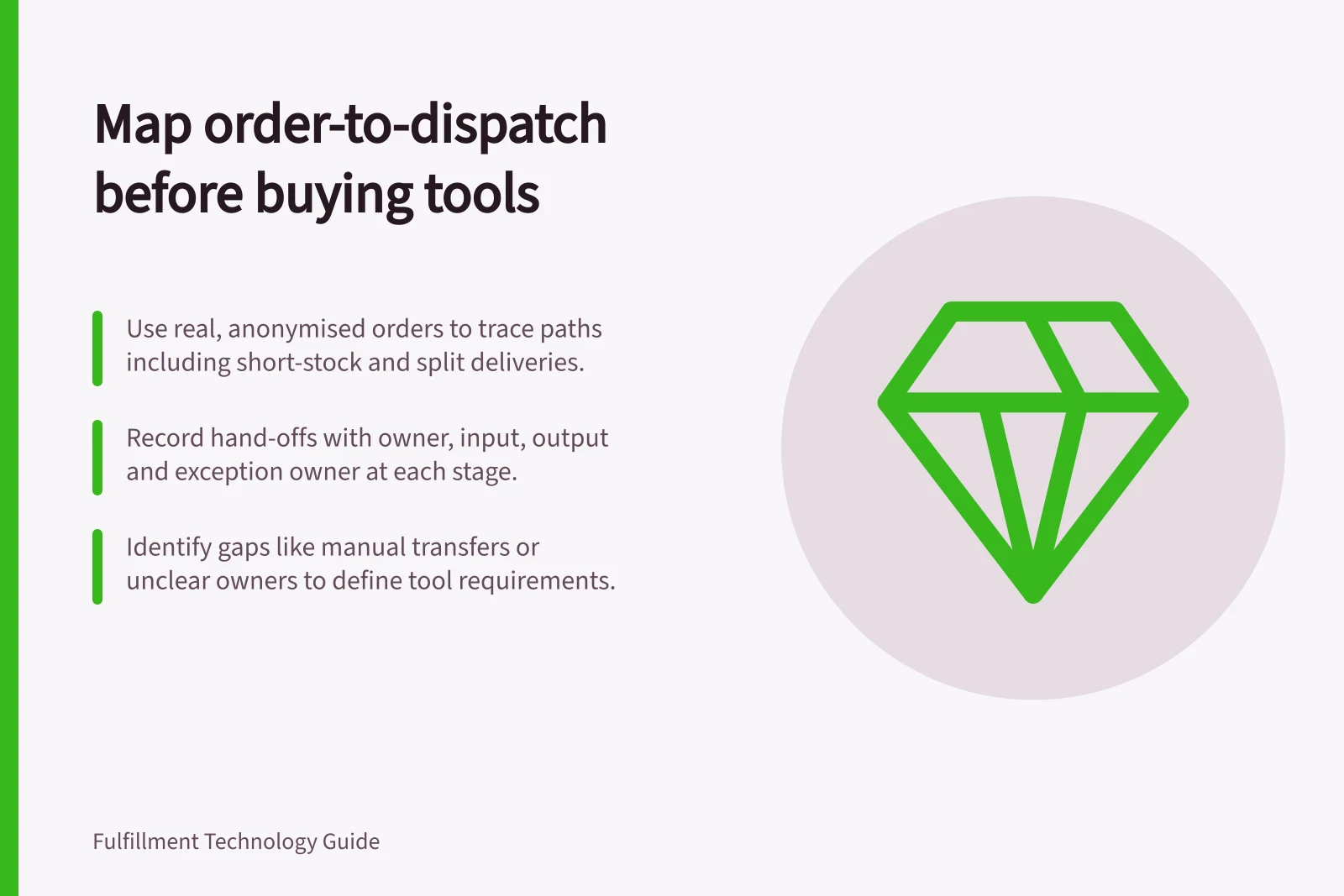
Map owners, records and exceptions from order acceptance to carrier handover, then turn observed gaps into software requirements.
Before buying fulfilment software, map an order from acceptance to physical carrier handover. At each hand-off, record the person, system, input, output and exception owner. The map should show where work waits, data is re-entered or a status hides unfinished work.
Select orders with different paths
Start with a small, representative set: an ordinary order, a mixed basket, a short-stock order, a late address change and an order split across locations if that occurs in your operation. Use anonymised real records where available. Draw separate paths when the work genuinely differs.
Mark the event that starts each case and the evidence that closes it. A storefront's fulfilment status and a carrier's acceptance scan answer different questions. Shopify lists fulfilment status as one of several order status categories. Record what each status means in your operation before mapping it to warehouse or shipping events.
Build a hand-off table
| Stage | Record on the map | Exception question |
|---|---|---|
| Accept and release | Order ID, payment or hold decision, delivery promise | Who prevents a held order entering the warehouse? |
| Allocate | Line, quantity, source location and stock assumption | Who decides whether to split or wait when stock is short? |
| Pick | Work ID, item and location confirmation | Where does a mismatch or empty bin go? |
| Pack | Verified lines, parcel ID, weight and dimensions | Who corrects a missing or damaged item? |
| Book | Service, label attempt and tracking ID | How is an uncertain request checked before retry? |
| Hand over | Physical parcel and carrier acceptance evidence, if available | Who investigates a labelled parcel still on site? |
Adapt the fields to the records your operation actually keeps. Give each stage an owner and an event time or reference so staff can reconstruct a disputed order. Where carrier acceptance evidence is unavailable, record how handover is confirmed and mark the visibility gap.
Order-to-Dispatch Process Stages with Key Hand-offs
- Accept and releaseOrder ID, payment or hold decision, delivery promise
- AllocateLine, quantity, source location and stock assumption
- PickWork ID, item and location confirmation
- PackVerified lines, parcel ID, weight and dimensions
- BookService, label attempt and tracking ID
- Hand overPhysical parcel and carrier acceptance evidence, if available
Trace the normal path and a break
Follow a normal order, then replay an interruption at each important boundary. If the warehouse reports a short pick, identify whether the order system receives the revised quantity, whether customer communication is triggered and who authorises the next action. If packing finds the wrong variant, show how it is corrected before a label is created.
Check the configured workflow rather than inferring behaviour from a feature name. Microsoft documents mobile warehouse menu items for activities and inquiries, and for creating or processing warehouse work. ShipStation's help page is titled “Verify & Print Shipments with Barcode Scan”; test the workflow to establish what it verifies and what records it leaves.
Turn gaps into requirements
Mark each manual transfer, ambiguous owner, repeated correction and invisible queue. Write observable requirements. For example: “a short pick places the order on review and returns the affected line and quantity to the order owner.” Then identify whether a process change, data correction, integration or new tool could close each gap.
Give suppliers the same order set and ask them to show the resulting records, including a failed case. Capture the staff steps, required data and configuration. Compare the current map with the proposed one, paying particular attention to hand-offs that still have no clear owner.