Warehouse Reporting
Part of Fulfilment technology implementation
Planning a warehouse software cutover
Plan the stop point, in-flight orders, opening stock, reconciliation, fallback and go or no-go decision for a warehouse software cutover.
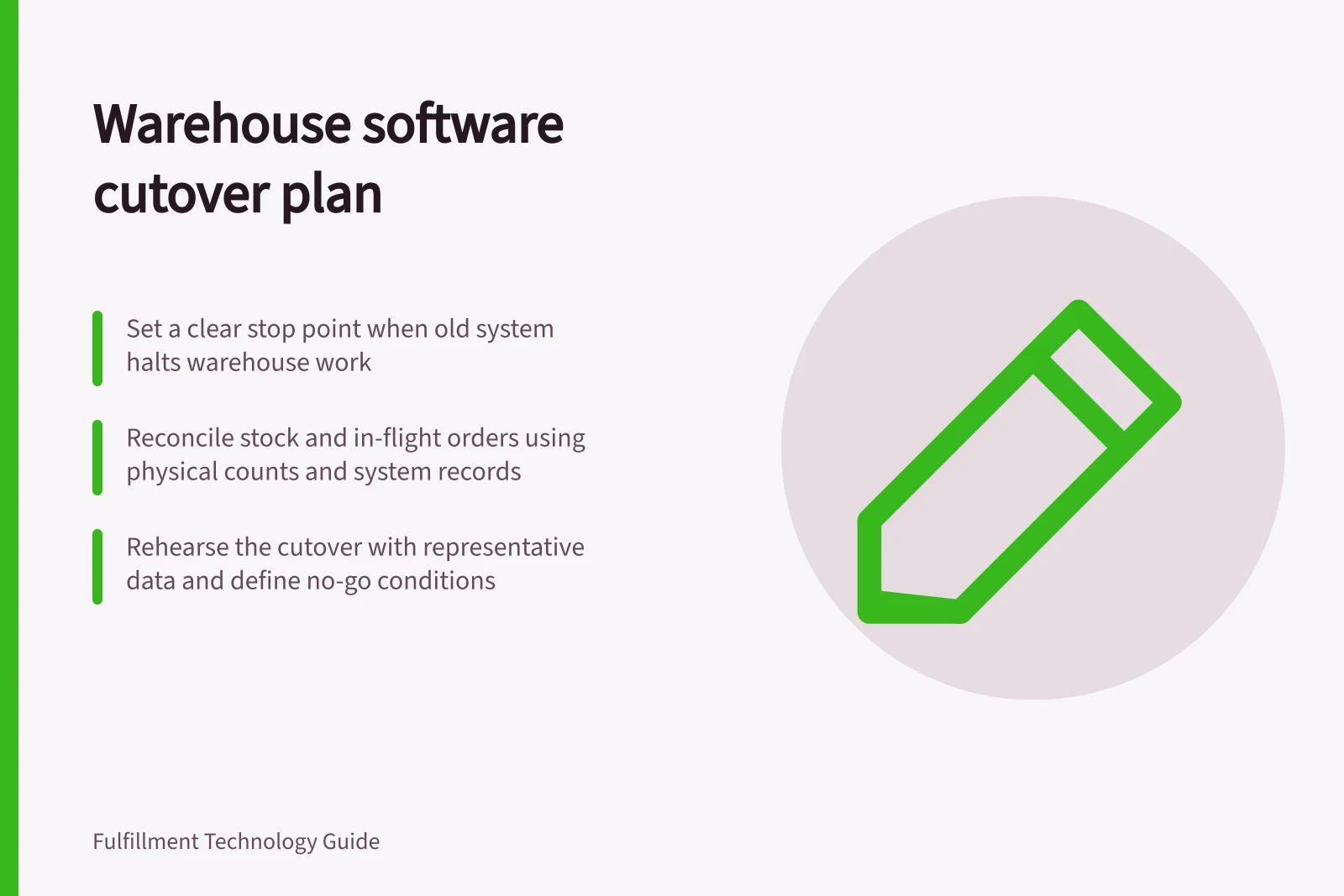
Plan a warehouse software cutover as a transfer of responsibility for live orders and stock. Set the point when the old system stops creating warehouse work, account for work already under way, load and reconcile opening records, then make an explicit go or no-go decision before releasing new work.
Set the boundary and owners
State the warehouse, channels and work types covered. Name who can authorise the switch and who can stop it. Give each task a start, dependency, owner, completion evidence and latest acceptable finish. Include connected sales systems, carrier services, devices and fulfilment partners where they affect the switch.
Dynamics 365 cutover guidance recommends sequenced tasks, migration checks, rehearsal and a go or no-go decision. Use those as planning prompts; the actual steps must fit the operation and its configured software.
Account for orders in flight
Before the stop point, classify work by physical state: not released, released but untouched, partly picked, picked, packed, labelled and handed to a carrier. Decide which system completes each group and whether its record will be migrated, recreated or left in the old system. Preserve original order and line references so duplicate instructions can be recognised.
For each group, record its old-system count, new-system count or disposition, reconciliation owner and exception route. Do not infer physical handover from a label or software status. Check parcels still on site against the active shipment records.
Transfer stock at a known time
Agree when the opening-stock picture will be observed. Capture movements between that observation and the point when the new system starts using the balance. Reconcile at the detail the new work requires: item or variant, unit, location, status and tracked identity where relevant. A warehouse-wide total can agree while a picker is sent to an empty bin.
Load approved product and location records before quantities that refer to them. Check the chosen import method, rejected rows and final count or other approved source record.
Dynamics 365 guidance treats products as master data and stock on hand and open orders as migrated operational data; it does not prescribe an import route for another product. Assign and sign off differences rather than changing quantities merely to make totals agree.
Rehearse and define the stop rule
Rehearse the sequence with representative data: stop old releases, capture final changes, load approved records, reconcile, enable connections, inspect a limited order set and then release controlled work. Record task duration and dependencies. Update the plan from rehearsal results.
Define no-go conditions before the live window. Examples include unexplained differences in pickable stock, the same order active in both systems, a critical connection without an acknowledgement, or workers unable to access required tasks. Give orders arriving during the decision a safe holding state and an owner.
A fallback needs more than a database restore. State how picks, packs and shipments completed after the stop point will be identified and preserved, and which system may issue the next instruction. If returning to the old process cannot be done safely, pause new releases while work already started is resolved. Include that decision path in the rehearsal.
Critical Cutover Metrics to Track
- Unexplained stock differences
- Must be resolved before go-ahead
- Same order active in both systems
- No-go condition; requires immediate investigation
- Critical connection without acknowledgement
- Prevents go; must be verified pre-cutover
- Workers unable to access tasks
- No-go condition; must be resolved before launch
Check the first live work
After authorisation, release a small controlled group of orders. Compare source IDs, warehouse work, actual picks, packed parcels and returned statuses. Keep an exception queue for the first shifts and reconcile new work with physical parcels at agreed intervals. Record corrections with an owner and time.
Complete the cutover record when stock and in-flight orders are accounted for and each remaining exception has a responsible owner.