WMS Selection
Fulfilment technology implementation
Plan fulfilment technology implementation from data and configuration through complete-order testing, warehouse cutover and early support.
Implement fulfilment technology by agreeing which system owns each decision. Prepare usable data, test complete order paths and control the change to live work. Staff need a clear way to handle orders, stock and shipments that do not follow the expected path.
Define the release boundary
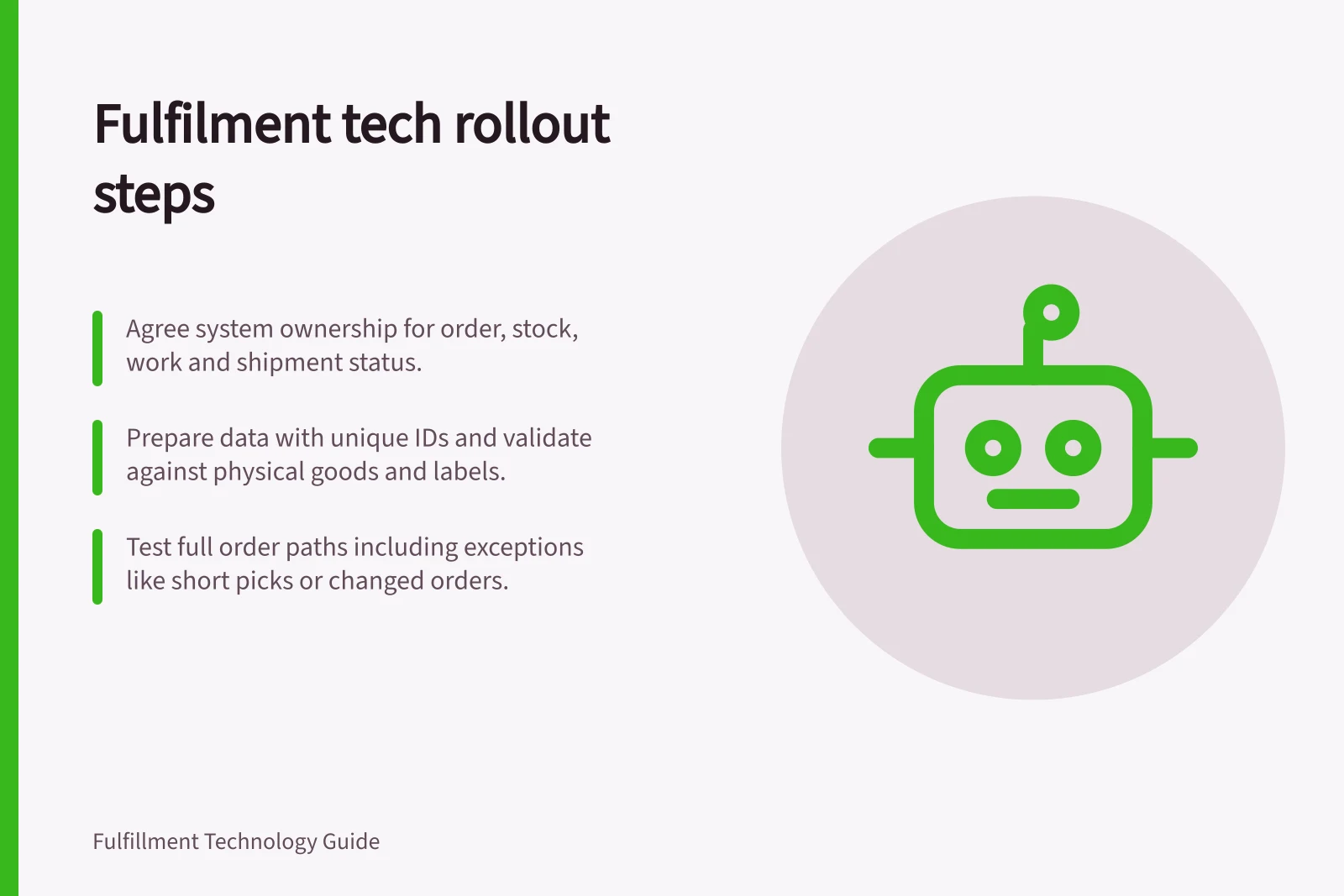
List the sites, sales channels, warehouse tasks, devices, shipping connections and reports affected by the change. For every hand-off, identify the record sent, the acknowledgement expected and the person who handles a failure. Agree which system owns the order, pickable stock, warehouse work, shipment and customer-facing status.
Choose a release boundary the team can supervise. One operation may start at a single site; another may need a coordinated switch because its sites share orders or stock. Record how work crossing that boundary will be handled.
Work through the dependencies
| Stage | Useful output | Release question |
|---|---|---|
| Process and ownership | Agreed states, hand-offs and exception owners | Can staff identify who owns unfinished work? |
| Data | Approved product, location and stock records | Can records be matched to the intended goods and places? |
| Configuration | Rules, access, device tasks and connections | Can workers perform the proposed tasks? |
| Testing | Recorded results for complete orders and exceptions | Do physical outcomes and system records agree? |
| Cutover | Timed hand-off and reconciliations | Are open orders and stock accounted for? |
| Early support | Exception queue and named responders | Can the first shifts contain and resolve problems? |
The work can overlap, but approval should use the data and configuration intended for release. Dynamics 365 guidance, for example, distinguishes configuration data from migrated data, and describes migrated data as master data and open transactions, which include stock on hand. The go-live checklist recommends testing and signing off all scripts and processes planned for cutover migration.
Prepare data and configuration together
Agree how each sellable variant, unit and barcode is identified across systems. Give every recorded warehouse position a distinct location ID. Define when stock is pickable and when it must remain on hold. Compare sample records with goods and physical labels; a valid import file cannot reveal a label fixed to the wrong rack.
Resolve duplicate identifiers, missing conversions and obsolete locations before relying on opening balances. Keep rejected rows and their corrections visible.
In Dynamics 365 Warehouse management, location directives are rules that help identify pick and put locations. Mobile device menu items can be configured for inquiries, activities and warehouse work. Other systems use different controls. Review the proposed rules and screens against the actual layout and roles.
Distinguish configuration data, such as currencies and tax codes, from migrated data. Migrated data includes master data like customers, products and vendors, and open transactions such as open sales orders, open purchase orders, stock on hand and open balances. Use data entities to migrate master data and open transactions.
Configuration Data vs Migrated Data in Dynamics 365
- Configuration DataCurrencies, tax codes, access rules, mobile device menu items, warehouse task configurations
- Migrated DataMaster data (products, customers, vendors), open transactions (sales orders, purchase orders, stock on hand)
Prove the order path
Trace an order from its source through warehouse receipt of the instruction, picking, packing, shipment preparation and the update returned to the selling channel. Compare line IDs, quantities and statuses at each hand-off. Repeat with a controlled exception, such as a short pick or a changed order, and check where the remaining obligation appears.
Choose a test route that cannot accidentally dispatch goods or disrupt customers. For example, Shopify help documents processing a test order and activating a payment gateway in test mode. Confirm what each test covers across connected systems.
Confirm how each connected warehouse and shipping system handles the test reference. A test order in one application does not prove every downstream connection.
The go-live checklist recommends completing system integration, performance and user acceptance tests with exit criteria met and signed off by business stakeholders. Test and sign off on all scripts and processes planned for cutover migration. Align external dependencies, such as partner systems and services, with the timelines and scope for go-live.
Critical Test Coverage Areas
- End-to-end order path tested
- Yes
- Exception handling tested (e.g., short picks, order changes)
- Yes
- Payment gateway tested in test mode
- Yes
- Downstream systems verified for test reference
- Yes
Confirm go-live readiness
Before launch, align the solution scope with what is going live. Share it with stakeholders and get their agreement. The scope review covers the business processes supported, applications and solutions used, customisations and external solutions, and the type and volume of integrations. It also covers the number of go-lives or rollouts, and the number of users at go-live and in future rollouts.
Plan change management activities from Initiate through Prepare phases, including training, user support, user engagement and communication. Prepare the production environment and train administrators and IT on monitoring, troubleshooting procedures and support options. Create a cutover plan that considers all dependencies, the timing of activities, roles and responsibilities, instructions and verification steps.
Complete cutover activities in sequence, meet the exit criteria and get sign-off from stakeholders at the cutover go/no-go checkpoint. Have a plan for monitoring and maintenance for production and for transitioning to support teams.
Control the live hand-off
Set the point when the old system stops creating new warehouse work. Agree which system and owner completes orders and stock that cross that point, and reconcile open orders and stock before releasing new work.
Rehearse the hand-off and set a go or no-go rule before the live window. Agree how work completed after the stop point will be accounted for. During early support, keep failed imports, stock differences and uncertain shipments with a named owner and next action.
The implementation is ready to leave heightened support when ordinary work is controlled and remaining exceptions have owners and a traceable resolution route.
In this guide
- Preparing clean product and location dataCheck product identifiers, units, barcodes, warehouse locations and proposed opening-stock records before a fulfilment system launch.
- Testing a complete order before system launchTrace a test order through the selling channel, warehouse, parcel and returned status, including a controlled exception and a clear pass decision.
- Planning a warehouse software cutoverPlan the stop point, in-flight orders, opening stock, reconciliation, fallback and go or no-go decision for a warehouse software cutover.