Warehouse Reporting
Part of Fulfilment technology resilience
Preparing for a warehouse network outage
Set stop rules, controlled manual work and reconciliation steps before a warehouse network outage disrupts WMS tasks.
Decide which warehouse work must stop during a network outage, which actions can be recorded safely offline, and how those actions will be reconciled when service returns. A scanner reading a barcode while disconnected does not prove the WMS saved the transaction.
Identify what has failed
Map the route from a worker's device to the WMS: warehouse Wi-Fi, switches, site connection, identity service, and any printer or shipping connection. Record which work depends on each part. A second internet connection helps only if the affected traffic can use it and the required local network and services remain available.
Set practical triggers for declaring an outage, such as widespread device failures or missing WMS acknowledgements. The shift lead records the time, affected area and last task known to have saved. Provide another way to contact the lead and technical support.
Key Outage Metrics and Triggers
- Common Outage Trigger
- Widespread device failure or missing WMS acknowledgements
- Time to Declare Outage
- Within minutes of detecting system-wide issues
- Required Contact Methods
- Shift lead contact + technical support alternative (e.g., mobile, radio)
- Network Redundancy Benefit
- Only effective if traffic can reroute and local services remain available
Pause uncertain work
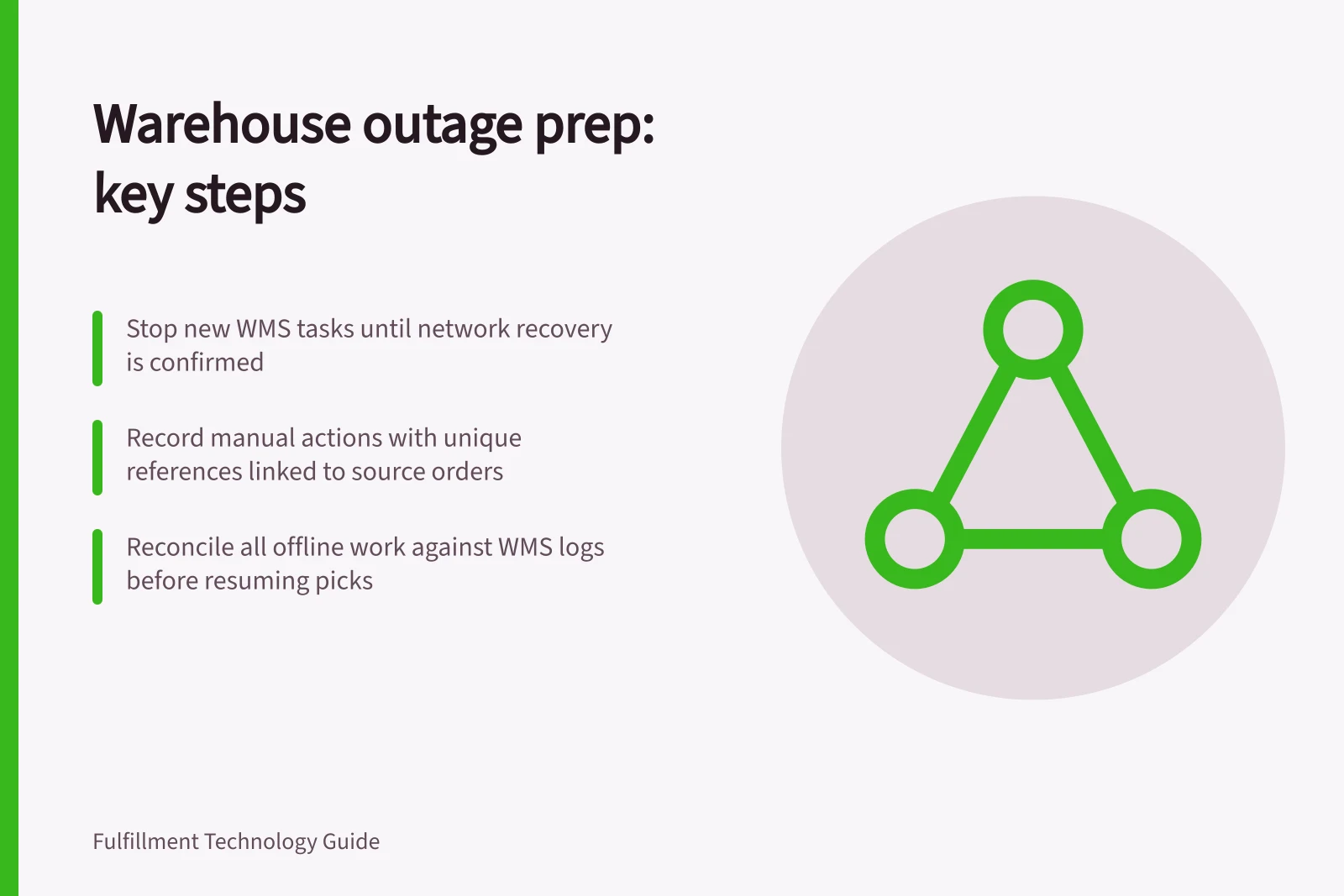
Stop new releases to the affected area until staff know whether instructions are reaching the WMS. Sort open work into untouched tasks, tasks in progress, physically completed tasks with an uncertain save, and tasks confirmed complete in the WMS. Keep physical goods identifiable while their records are checked.
Do not issue a paper pick solely because a device stopped responding. The goods may already be picked even though confirmation did not return. Hold an order when its stock, quantity or prior work cannot be established.
Authorise limited manual work
If work must continue, the authorised lead should select orders with a known source instruction, dependable stock position and no competing active task. Give each manual action a unique reference linked to the source order and line. Record the item, quantity, location, operator, time, physical action and destination. Keep completed goods separate from untouched stock.
Exclude work whose state cannot be verified. A split order, tracked unit or recently changed order may need more information than staff have during the outage. A packed parcel should not be described as handed to a carrier without separate handover evidence. Hold parcels whose address or service cannot be checked.
The manual route depends on the site's WMS, carrier and security arrangements. Establish its limits before approving it; no general offline capability is assumed.
Manual Work During Outage: Controlled Process
- Select orders with known source instructionEnsure WMS records are clear and unambiguous.
- Verify dependable stock positionConfirm stock availability without relying on real-time WMS updates.
- Check for no competing active taskAvoid duplication or conflict in manual processing.
- Record each action with unique referenceInclude item, quantity, location, operator, time, physical action, and destination.
- Keep completed goods separate from untouched stockPrevent mix-ups during reconciliation.
- Exclude unverifiable work (e.g., split orders, tracked units)Avoid risks from incomplete data.
- Hold parcels without address or service verificationEnsure delivery compliance and avoid errors.
Manual vs Automated Actions During Outage
- Action Type
- Manual Work
- System Dependency
- High – relies on staff memory, paper records, and unique references
- Risk Level
- Moderate to High – potential for duplication, omission, or incorrect recording
- Verification Required
- Yes – must be reconciled with WMS upon reconnection
- Action Type
- Automated Work
- System Dependency
- Low – requires stable network and WMS availability
- Risk Level
- Low – consistent and traceable when online
- Verification Required
- No – if saved successfully, no further action needed
Reconnect and reconcile
Technical staff confirm the network path and application responses. Restore network configuration through the approved process if needed. A reconnected device still does not establish whether an earlier task was saved or queued.
Compare the outage log with WMS instructions, stock movements and parcel records. For each manual or uncertain action, decide whether the system already contains it, needs a supported entry or requires investigation. Preserve the original references and check affected stock by item, location and status before releasing more picks.
Restart with a small controlled set. Confirm that new instructions, physical completions and saved records match. Leave unresolved cases on hold with named owners, then update the outage procedure from what the event revealed.