Packing and Dispatch
Part of Warehouse automation readiness
Planning manual fallback for automated picking systems
Plan how to stop automated picking, account for work in progress, release manual picks and reconcile before restarting.
Plan the fallback before automated picking runs live orders. The procedure must state when to stop new work, how to establish the last confirmed position of goods and instructions, who may release manual picks, and what must reconcile before restart. A paper pick list cannot establish whether equipment already moved part of an order.
Set the stop and authority
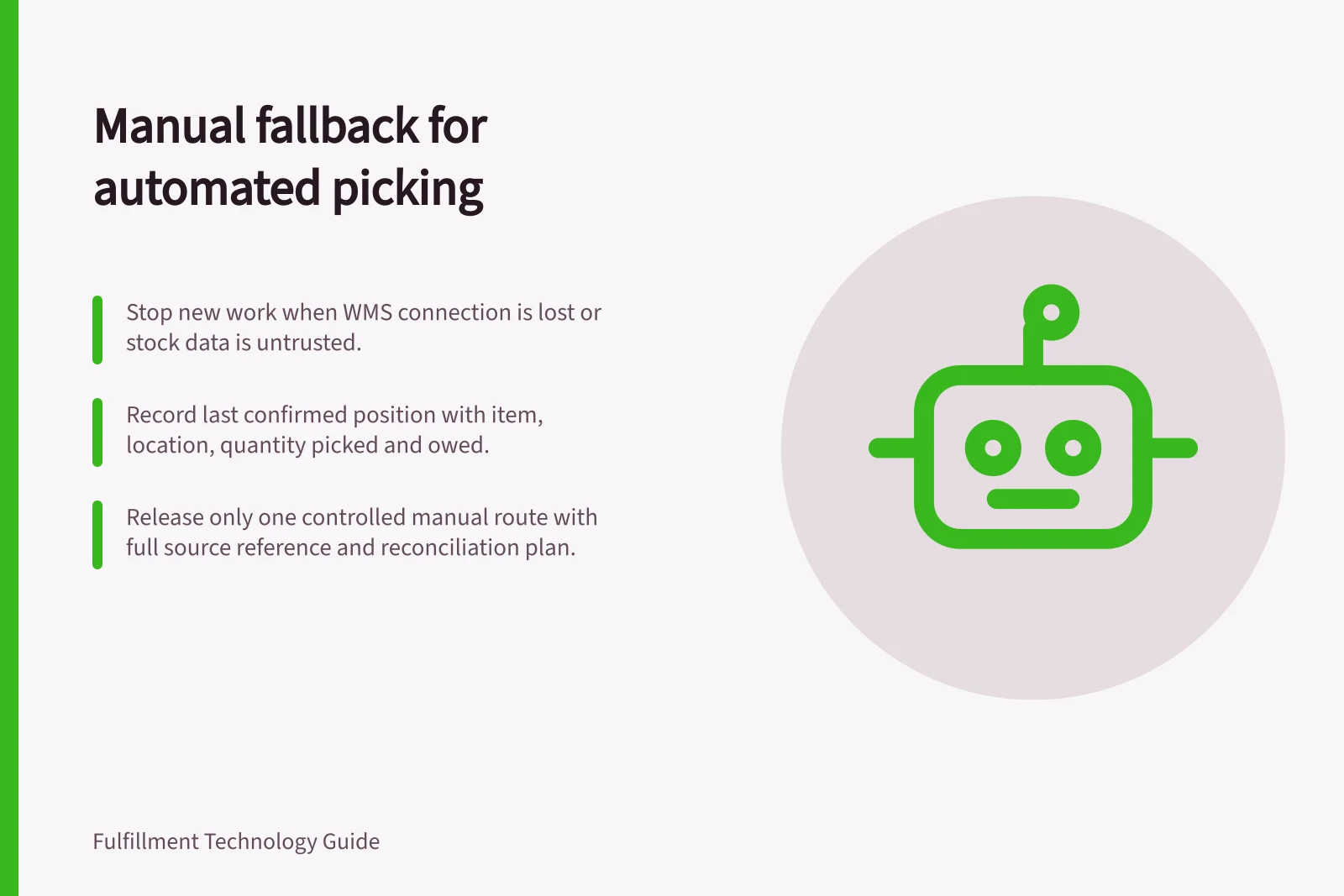
Define triggers for pausing the affected flow: unsafe equipment movement, untrusted stock or location data, a lost WMS connection, repeated rejected messages or a backlog that threatens a cut-off. Name the operations lead who declares fallback and the technical lead who assesses equipment.
Stop new instructions entering the affected flow. Tell picking, replenishment, packing and customer-service staff which orders are held.
A safety stop takes priority. Keep people outside hazardous equipment areas until the site's access and isolation procedure permits entry. Before access, follow the site's isolation procedure and confirm the plant is isolated and de-energised, with lockout and tagout controls applied.
Establish the last confirmed position
Create one affected-work list at the stop point. For each work ID or order line, record:
- the last confirmed warehouse instruction and equipment response;
- where goods physically are, including totes or equipment;
- the quantity picked and quantity still owed;
- completion, shortage or cancellation messages awaiting resolution; and
- who will verify an uncertain position.
Microsoft's Dynamics 365 material handling equipment interface (MHAX) uses separate outbound and inbound queues. The WMS creates outbound events from work lines; the equipment polls for events and can return inbound events such as work-line completion and short picking. Check the system's actual queue and physical work before retrying or reassigning an instruction.
Critical Data Points at Stop Point
- Last Confirmed Instruction
- Recorded from WMS and equipment response
- Physical Stock Location
- Totes, racks, or equipment status
- Quantity Picked
- Verified against order line
- Unresolved Messages
- Completion, shortage, or cancellation pending resolution
Release one controlled manual route
Pick manually only from accessible stock whose identity, quantity and status can be established. Give each eligible order line one active instruction with its source reference, item, location, quantity and destination. Resolve or hold the corresponding automated work through the installed system's supported process before issuing replacement work where required. Keep the original reference for reconciliation.
If the WMS is unavailable, an offline record may be possible only under a site-approved procedure that prevents duplicate instructions and records later stock and order updates. Hold work whose identity or available quantity remains uncertain. An offline list alone is not evidence that the WMS will accept its later transactions.
Reconcile and restart
Compare physical goods with automated work, manual picks, order lines and stock movements. Look for a unit still on equipment, a manual pick that already filled a line, or a completion message received after the stop. Give each discrepancy an owner and transaction reference. Reprocess or cancel messages only through the supported workflow after checking the prior outcome.
Restart with a small controlled group and confirm the intended movement and returned record. Keep the fault and fallback record until affected orders and stock are accounted for. Rehearse the sequence with safe test work when equipment, integration rules or layout change.