Order Management
Part of Fulfilment technology resilience
Reviewing system access for warehouse contractors
Match contractor accounts to current warehouse tasks, check remote and privileged access, and verify removal when work ends.
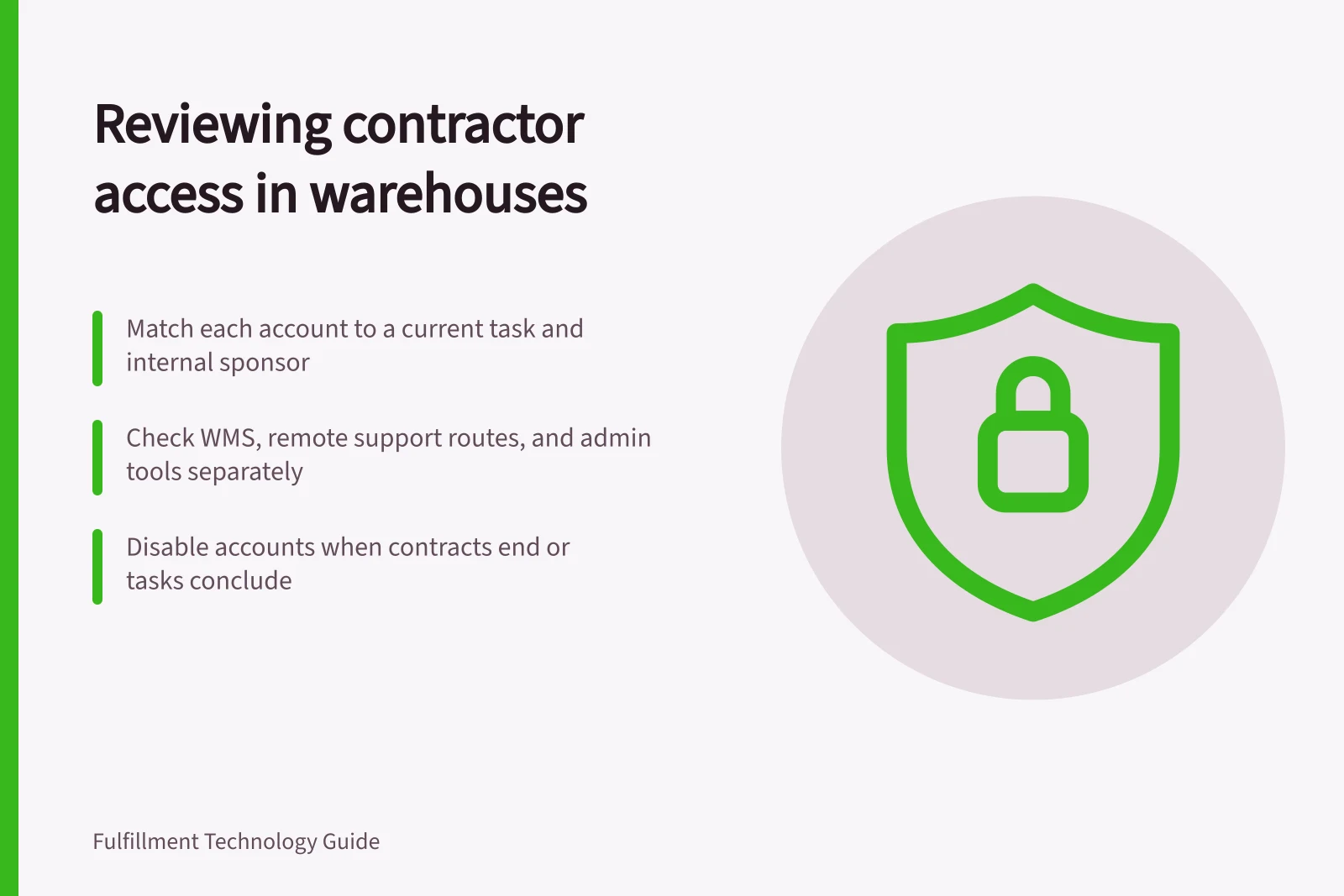
Review contractor access by matching each account and permission to a current task, an internal sponsor and a review or end point. Check the WMS, remote support route and connected administration tools separately. A contract ending does not itself disable every account or credential.
Match people and accounts
Ask the warehouse owner which contractors and suppliers are doing current work. Include contracted pickers, equipment maintainers, WMS specialists, network support and integration providers where relevant. Ask system owners for active human accounts, groups, remote tools and service identities. Match the two lists and investigate entries without a current task or named sponsor.
Record the person or service identity, company, sponsor, task, systems, permissions, approval and next review point. Keep a person’s working account distinct from an integration identity or emergency account. Shared logins make activity harder to attribute; use individually identifiable access where the system supports it.
Cybersecurity Best Practices from ASD Guidelines
- Least Privilege Principle
- Apply to all contractor access
- Individually Attributable Access
- Required; avoid shared logins
- Access Review Frequency
- After contract end, role change, or major system update
- Privileged Access Validation
- Mandatory for elevated roles
Inspect effective permission
Review what each contractor can actually read, change, approve and export. A picker may need assigned mobile work without stock-adjustment rights. An equipment maintainer may need diagnostics without customer-order exports.
A WMS specialist may need elevated access for a bounded change. These are review examples, not default role settings.
Check inherited groups, backup access, connected administration portals and remote routes as well as the visible WMS menu. Separate ordinary access from privileged administration. Apply validated business need, least privilege and individually attributable provider access. Validate privileged access requests and use dedicated accounts for privileged work where supported.
Contractor Access Types and Controls
- Picker
- Assigned mobile work only; no stock adjustment rights
- Equipment Maintainer
- Diagnostics access; no customer-order exports
- WMS Specialist
- Elevated access for bounded changes; validated business need required
- Remote Support Tool User
- Time-bound access; authenticated identity required; activity logged
Review remote and temporary routes
Record the approved remote tool, source route, authentication method and access window. A VPN account, remote support tool and WMS login can remain active independently, so review each one. Confirm who approves urgent access, how the supplier identifies the person using it, and how activity is checked.
Where the installed system supports expiry, set it for bounded work. Otherwise, give the sponsor a stated review date. For longer contracts, revalidate the task and permissions. Inactivity alone is not a reason to retain access without a business need.
Remove access and check the result
When work ends, ask each system owner to disable or remove the relevant human accounts and remote routes through supported procedures. Review active sessions, tokens and credentials where the products expose them. Before changing a service identity, identify integrations or scheduled jobs that use it and assign an owner for any replacement.
Retain the decision, approver, change time and resulting account state. Verify removal through the administration record or another authorised safe check. Leave an account whose owner or purpose cannot be established on an exception list for investigation rather than marking the review complete.
The outcome should distinguish access retained for a justified task, access removed with confirmation, and access still under investigation. Repeat the review after a supplier, role or major warehouse-system change.