Packing and Dispatch
Part of Packing and dispatch systems
Recording package weight after packing for carrier checks
Record the weight of the packed parcel, not just the sum of product weights.
After packing and sealing, the recorded weight needs to match the parcel that entered the carrier network. A carrier can charge on a different weight than the one on your label, either after its own measurement or because the parcel's cubic weight is higher than its scale weight.
For Australia Post parcels in your own packaging, record both the scale weight in kilograms and the outside dimensions. Australia Post assesses charges on the actual weight or the cubic weight equivalent, whichever is greater, so a check needs both numbers for the same sealed parcel.
Weigh at the right moment
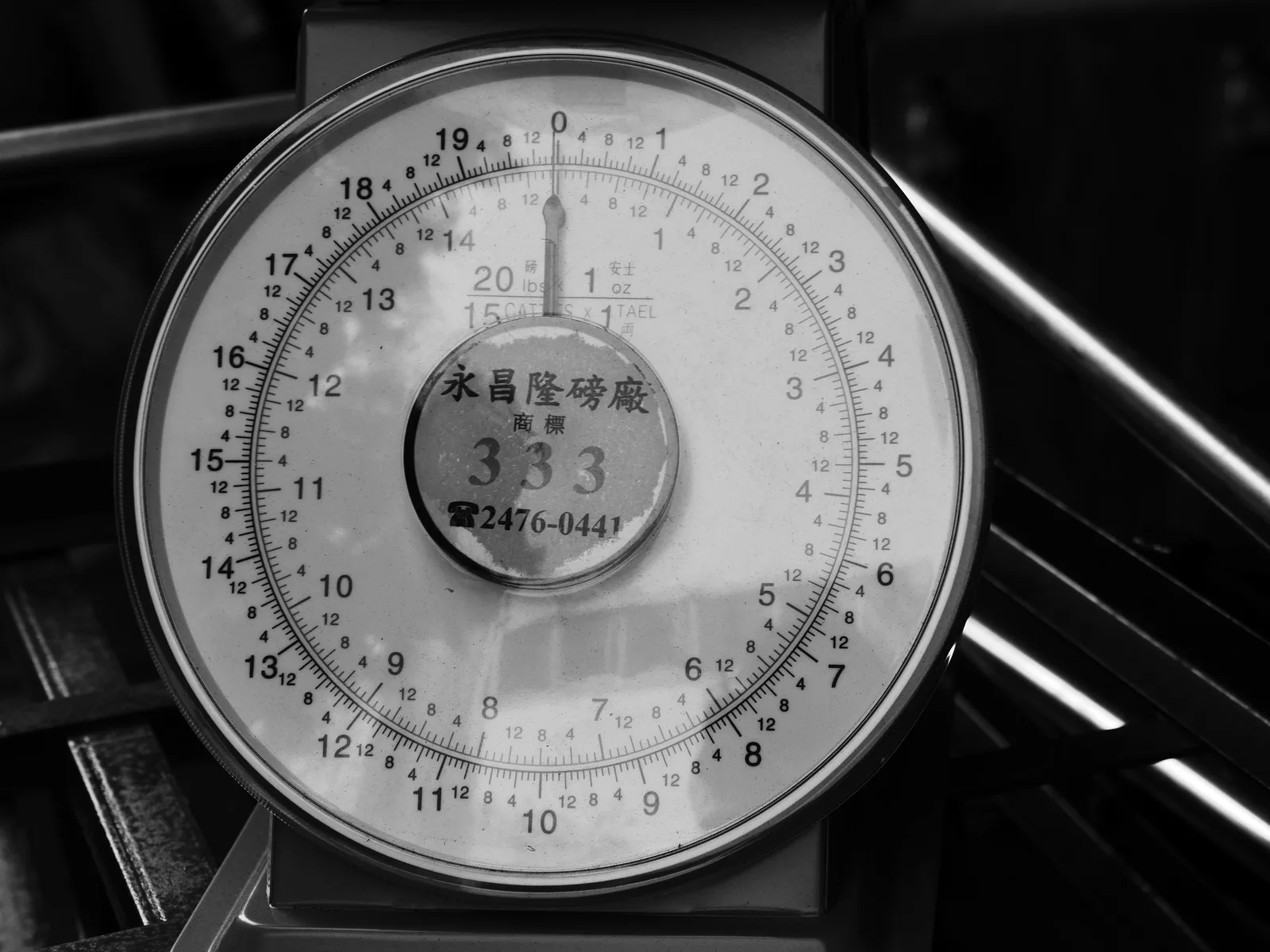
Place the packed and sealed parcel on a scale on a level surface, before entering its weight for the label, and check the scale regularly against a known test weight. Capture the readable display, weight unit and timestamp, and record the weight in kilograms, the unit Australia Post uses for its weight limits and charges.
Record each parcel with these fields: order ID, carton type, scale weight in kg, length, width and height, calculated cubic weight, pack station, timestamp, label and tracking number. Keep a photo showing the same sealed parcel on the scale with its label, and attach it to the order or tracking number.
Enter the measured shipment weight, service and package type in the shipment details. Record length, width and height in metres or centimetres when the service uses them for rating. Australia Post calculates cubic weight by multiplying length, height and width, then multiplying the result by a conversion factor of 250.
In Australia Post's own worked example, the parcel's volume multiplied by 250 gives a cubic weight of 15kg, so postage is assessed on 15kg despite its actual weight. Cubing applies to parcels over 1kg in packaging not eligible for flat rates, and may also apply to lighter parcels that are large or irregular.
Keep the physical scale weight distinct from cubic weight in the record. If a scale reading populates the software, confirm it is connected to the correct pack station and order; treat stored product weight as an estimate, not the measured packed weight.
Check the weight against the service limits before dispatch. The maximum weight of a parcel lodged at a Post Office is 22kg. In Australia Post's Domestic parcels guide, national flat rates for items up to 5kg are based on the actual or cubic weight, whichever is greater, in four weight ranges: up to 500 grams, over 500 grams up to 1kg, over 1kg up to 3kg, and over 3kg up to 5kg.
A reading close to 500 grams, 1kg, 3kg or 5kg deserves a second weighing, because a few grams decide the category. Parcels over 5kg up to 22kg attract a basic charge plus a distance charge per kg, so every extra kilogram counts.
Investigate adjustments
If the carrier bills a different weight, compare its record with your scale reading, units, dimensions and packaging. Recalculate the cubic weight from your recorded dimensions: if it is greater than the scale weight, the higher charge may be correct rather than a weighing error.
Check whether the billed weight falls in a different Australia Post weight category from your record. A parcel you recorded just under 1kg but billed at over 1kg moves into the next category, so the photo of the scale display is the evidence that matters.
Before disputing an adjustment or changing a rule, check the carrier’s documented evidence and the terms of your agreement, including any contract rates that replace the standard categories.
If an adjustment includes a fee, compare the tariff, quote and service records; carrier tariffs or pricing agreements define the fee’s trigger, rate and exceptions. For invoice checks, organise records by carrier, month and site, and note the amount overcharged and reason in a reconciliation report.
Review repeated discrepancies by product and carton type. Correct product master data, carton dimensions or scale practice where needed, and recheck a surprising value before dispatch.